Snow globe maker: your photo in a globe they shake
Put your photo inside a snow globe and send it. They shake it, by shaking their phone, swiping across the globe or tapping “Shake it”, and the snow flies up, swirls and slowly settles. When it has settled, the plaque on the base lights up with your words. Then your message opens. Free, no app, no sign-up.
Make your snow globe
Your photo inside a snow globe. They shake it, the snow swirls and settles, and the plaque lights up. Free, no sign-up, about 30 seconds.
What they see on their phone
Screenshots of a real snow globe link, opened on a phone.
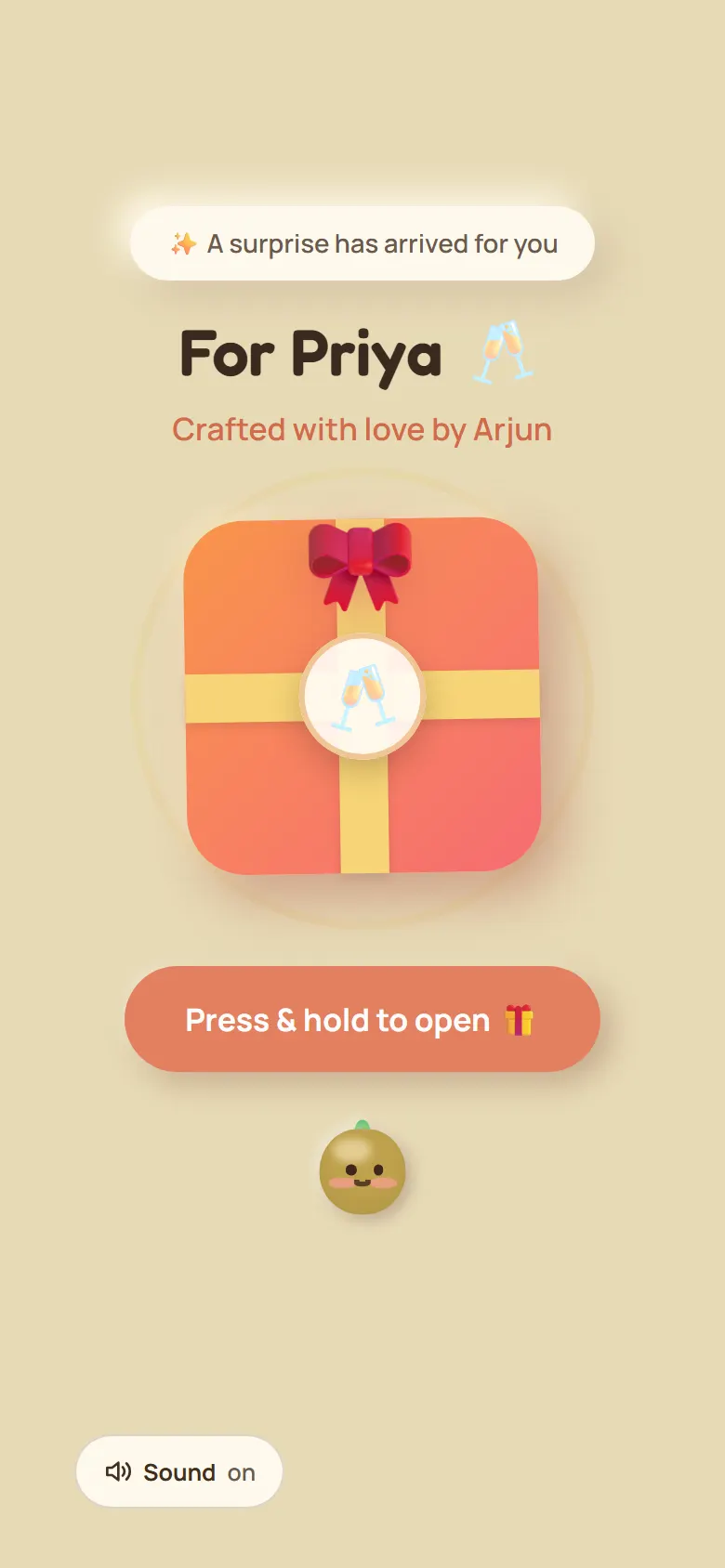
They press and hold the wrapped gift 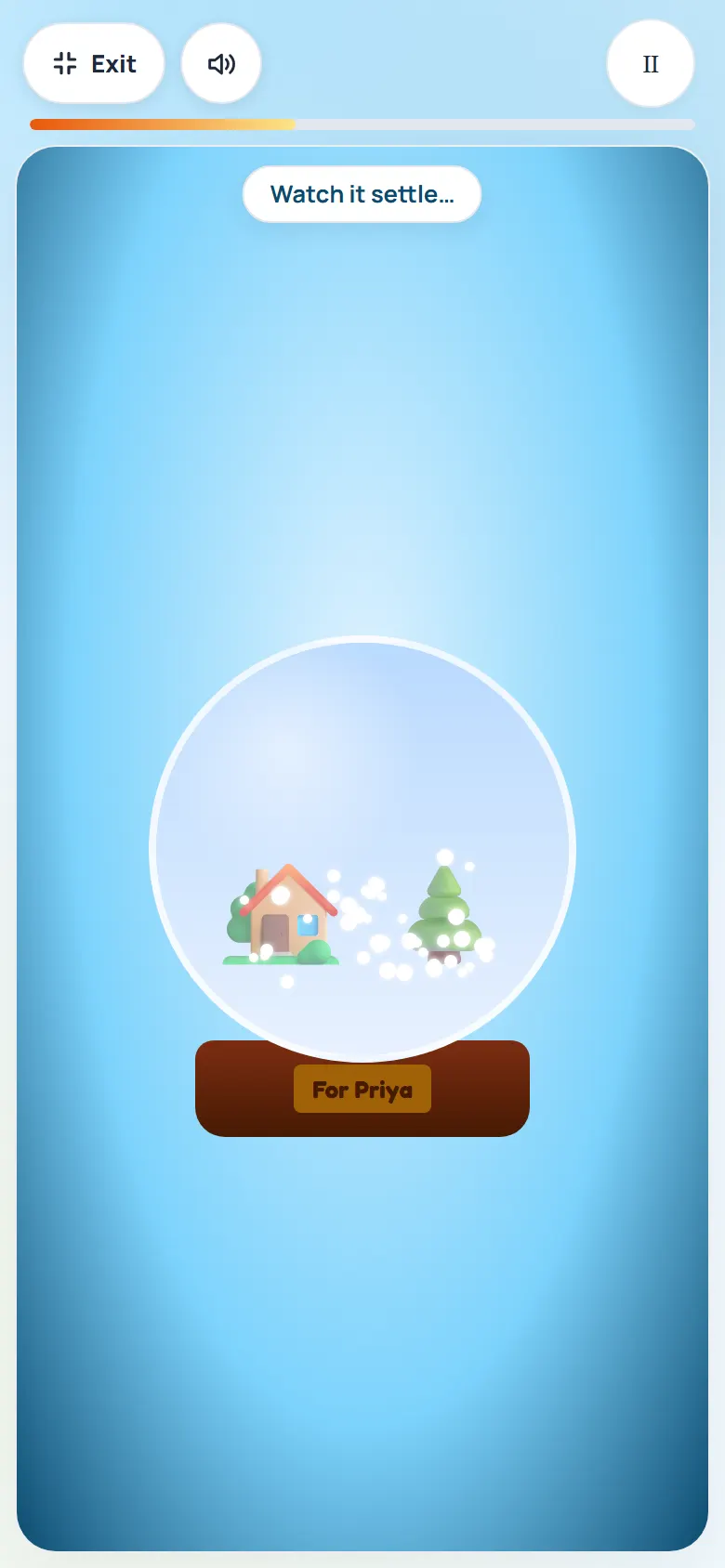
They shake the snow globe 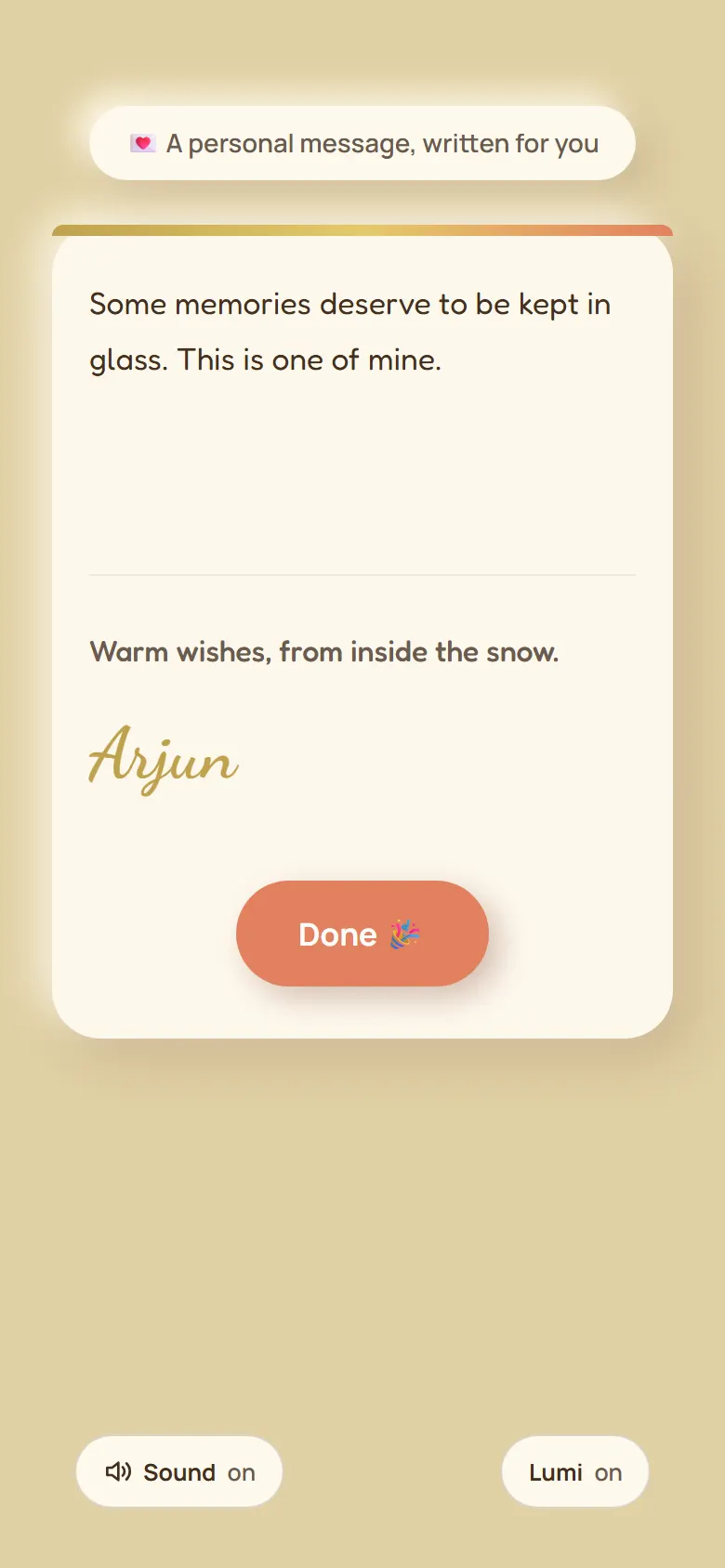
Your message opens
How to send a snow globe
- Pick the photo. The first photo you add goes inside the globe.
- Write the plaque. Up to 30 characters, like “Our first winter, 2025”, then your message.
- Send the link. Christmas, the first cold day, or whenever you miss someone.
What they see when they open it
Every surprise link starts the same way: a wrapped gift with their name on the tag, which they press and hold to open. Inside is a glass globe on a wooden base, with your photo inside and snow lying at the bottom.
When they shake it, the globe wobbles and the snow flies up and covers the picture in a soft white haze, then drifts down slowly over a few seconds. When it has settled, the brass plaque on the base glows with your words, and “Read the note” opens your message. They can shake it again whenever they like.
Shaking on iPhone and Android
Shaking the phone works on most Android phones straight away. iPhones ask for permission to use motion on the first tap; if they say no, swiping across the globe or the Shake it button works just the same.
Without a photo, the globe holds a little winter village with pine trees.
Questions about sending a snow globe
Is it only for Christmas?
No. It suits any winter greeting, a trip to the hills you took together, or a “miss you” to someone far away.
Is it really free?
Yes. Making and sending a surprise link is free, there are no ads, and you do not need an account.
Do they need to install an app?
No. The link opens in the browser on any phone or computer, straight from WhatsApp, Instagram, SMS or email.
How long does the link last?
A link without photos carries the whole surprise inside it, so it keeps working for as long as you keep it. A link with photos is too big for that, so it is a short link backed by an encrypted copy we cannot read, and that copy deletes itself after 10 days.
Where can I find a link I made?
Every link you make is listed under My gifts on the same phone, so you can copy it again. It is kept in your browser, not on our server, so clearing your browser clears the list.