Sorry website for your girlfriend, boyfriend or friend
A sorry link is an apology sent as a small gift page: it asks for forgiveness first, and your message opens when they are ready. A sorry website for your girlfriend, boyfriend or best friend, for when “sorry” is hard to say: a puppy says it first. A sad little puppy holds your “I’m sorry” sign and asks for forgiveness, with two honest buttons: “Yes, forgiven” and “Not yet”. Then your message opens. Free, no app, no sign-up.
Make your sorry card
A sad puppy with an “I’m sorry” sign asks for forgiveness. “Not yet” is always an honest answer. Free, no sign-up, about 30 seconds.
What they see on their phone
Screenshots of a real sorry card link, opened on a phone.
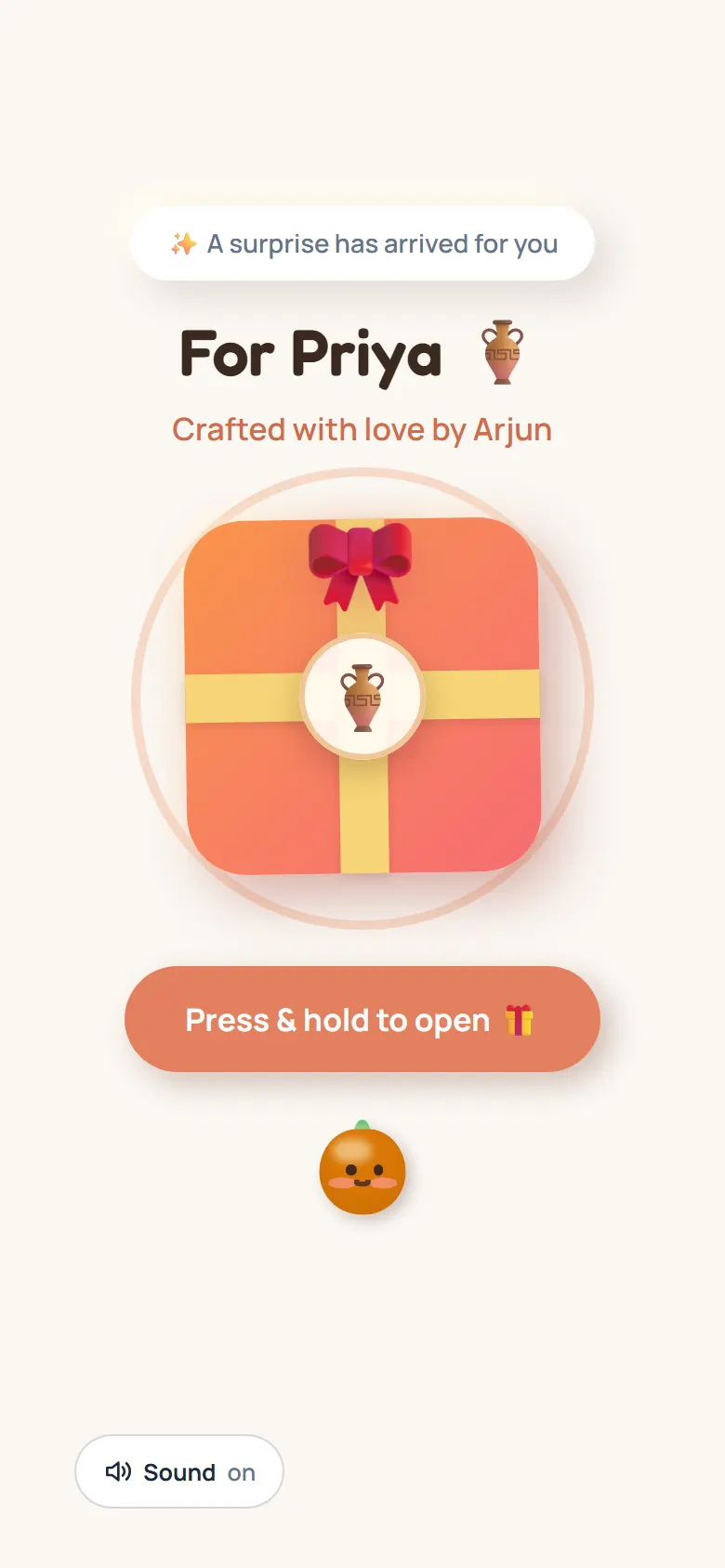
They press and hold the wrapped gift 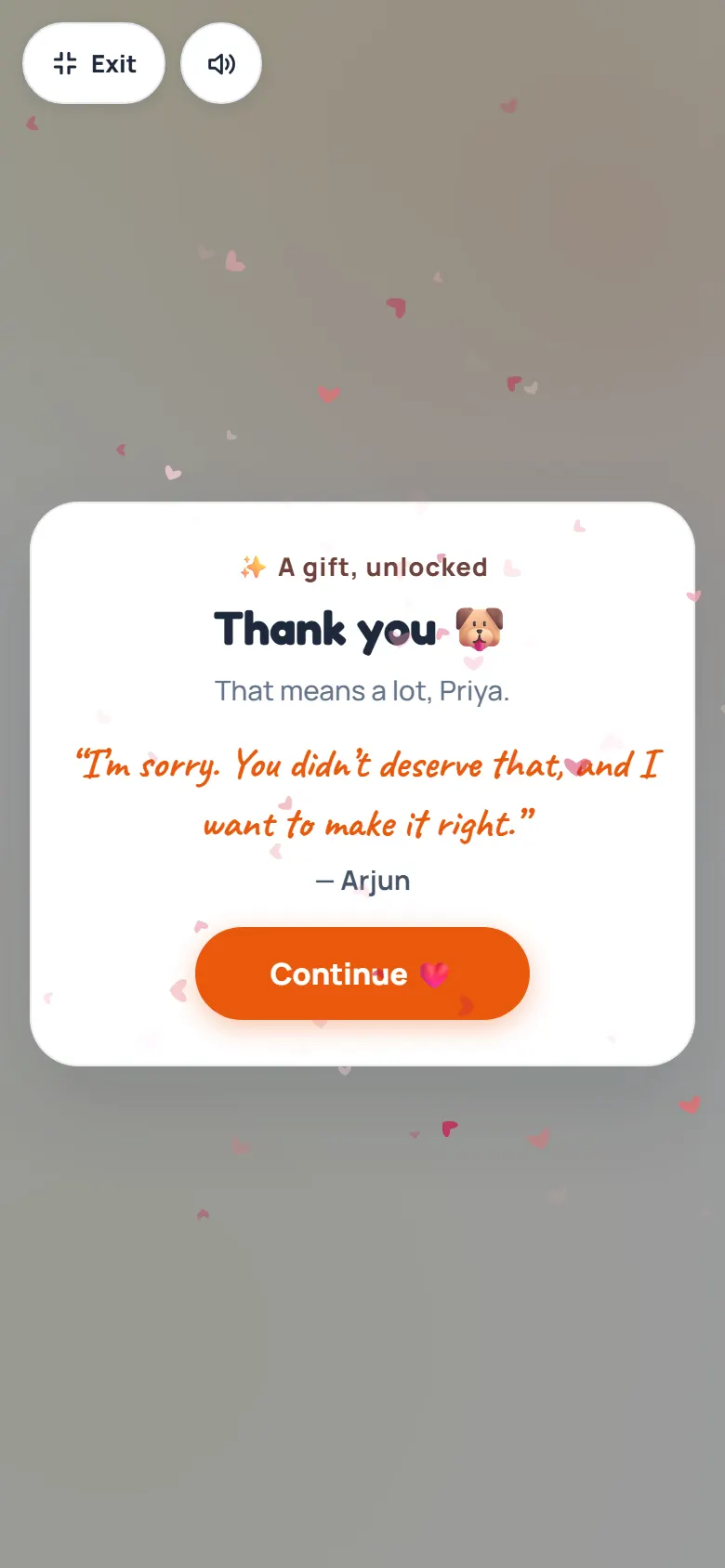
Forgiven: the puppy says thank you 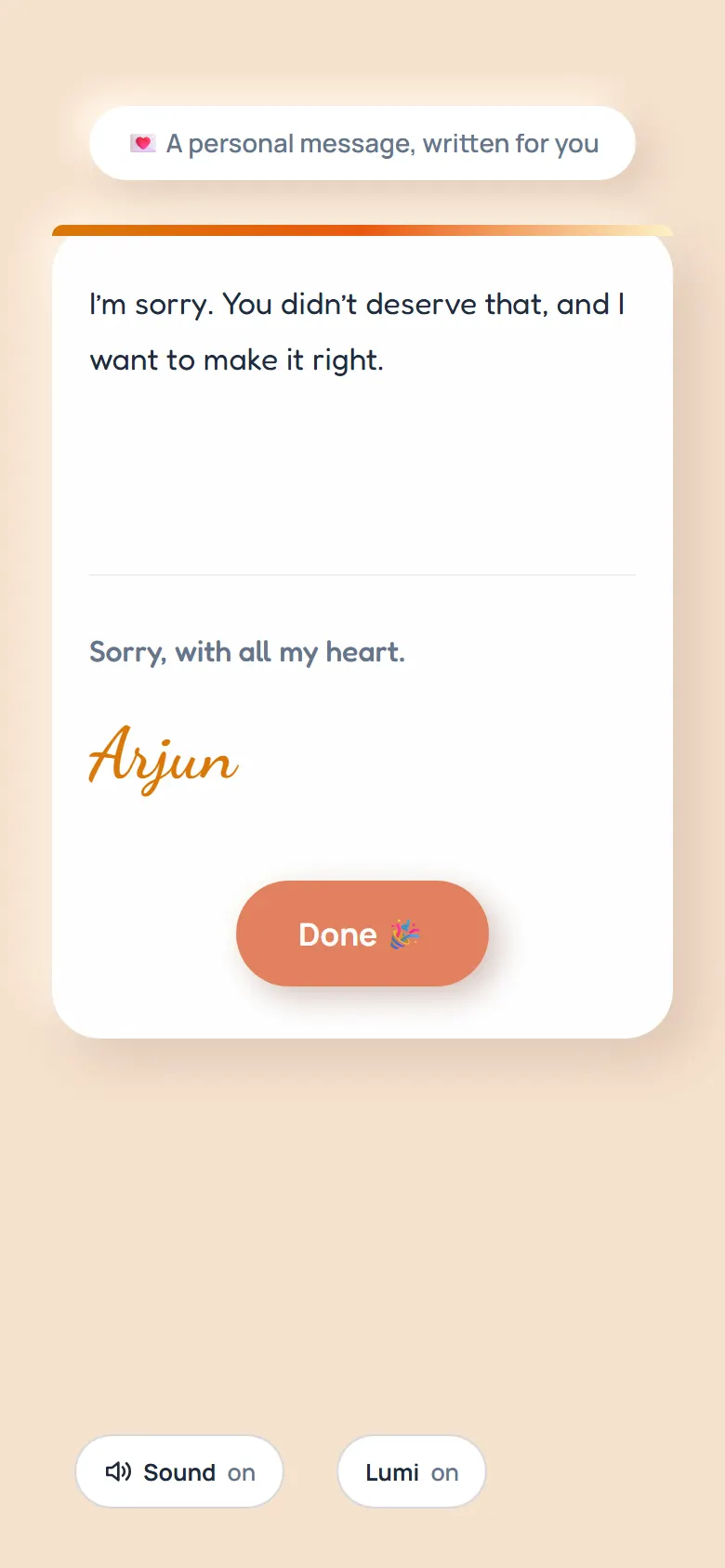
Your message opens
How to send a sorry card
- Write the sign and your promise. The sign (“I’m sorry”, “Forgive me?”) and what you’ll do better.
- Write your apology. Their name and yours, and your message: say it properly.
- Send the link. Then give them space.
What they see when they open it
Every surprise link starts the same way: a wrapped gift with their name on the tag, which they press and hold to open. Inside is a sad-eyed puppy holding your sign, with “Yes, forgiven 💛” and “Not yet”.
“Yes” turns the frown into a smile, the puppy wiggles, and your promise appears. “Not yet” always works too: each time the puppy gathers a flower and its eyes get a little bigger, and after three it says “Take your time. I’ll be here.” Either way, “Read the note” then opens your apology.
An apology, not a trick
Here the “Not yet” button never runs away or hides: forgiveness has to be given, not tricked out of someone. Their choice is not sent anywhere.
The puppy opens the door; your message should do the real work. Say what happened, that you understand why it hurt, and what you will do differently.
Questions about sending a sorry card
Will I know if they pressed “Not yet”?
No. Their answer stays on their screen. They will tell you when they are ready.
Is it really free?
Yes. Making and sending a surprise link is free, there are no ads, and you do not need an account.
Do they need to install an app?
No. The link opens in the browser on any phone or computer, straight from WhatsApp, Instagram, SMS or email.
How long does the link last?
A link without photos carries the whole surprise inside it, so it keeps working for as long as you keep it. A link with photos is too big for that, so it is a short link backed by an encrypted copy we cannot read, and that copy deletes itself after 10 days.
Where can I find a link I made?
Every link you make is listed under My gifts on the same phone, so you can copy it again. It is kept in your browser, not on our server, so clearing your browser clears the list.