Instant photo surprise: shake it until it develops
Send a photo the old way. They press the shutter on an instant camera, a blank photo slides out, and they shake it (shake the phone, rub the photo, or tap “Shake it”) until your picture slowly develops, with your caption handwritten underneath. Then your message opens. Free, no app, no sign-up.
Make your instant photo
An instant photo slides out of the camera, and they shake it until your picture develops. Free, no sign-up, about 30 seconds.
What they see on their phone
Screenshots of a real instant photo link, opened on a phone.
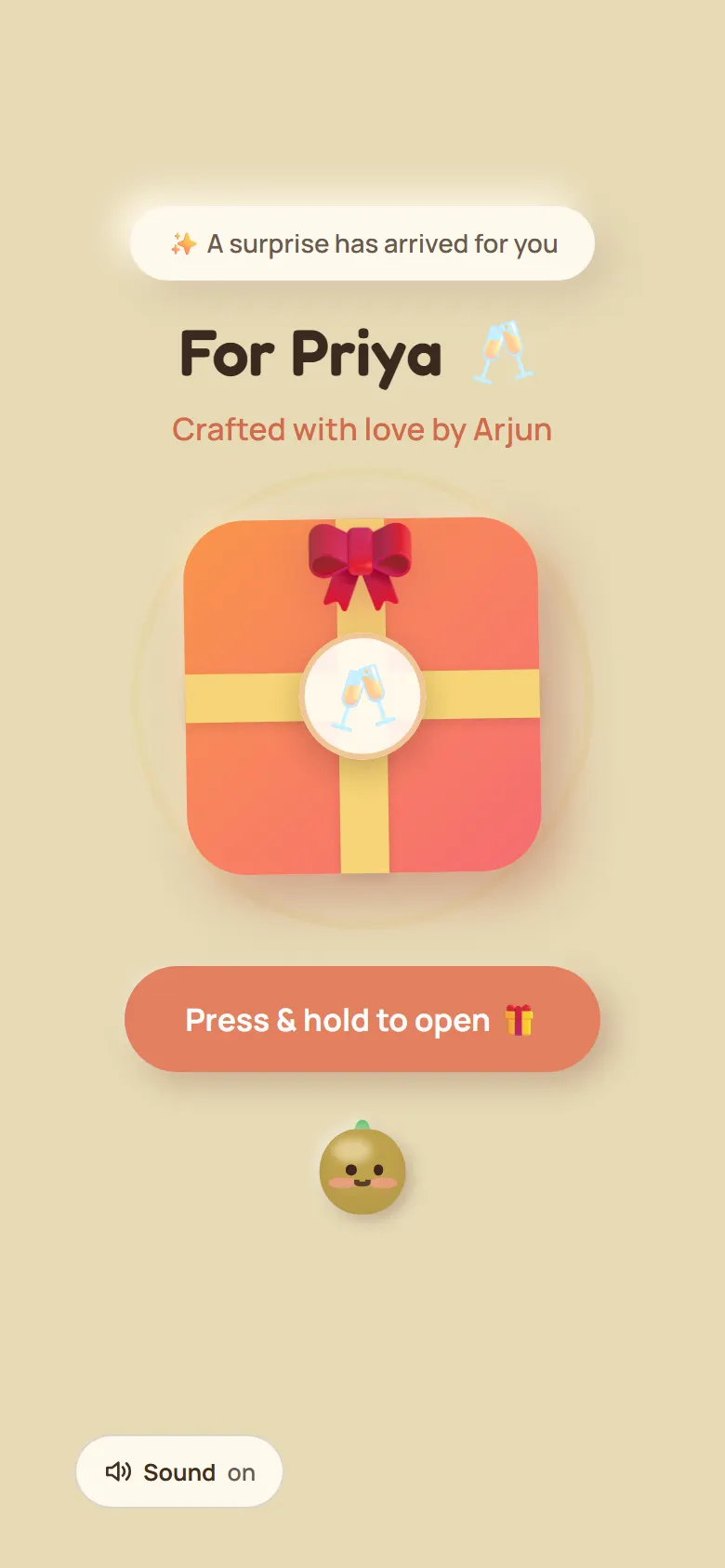
They press and hold the wrapped gift 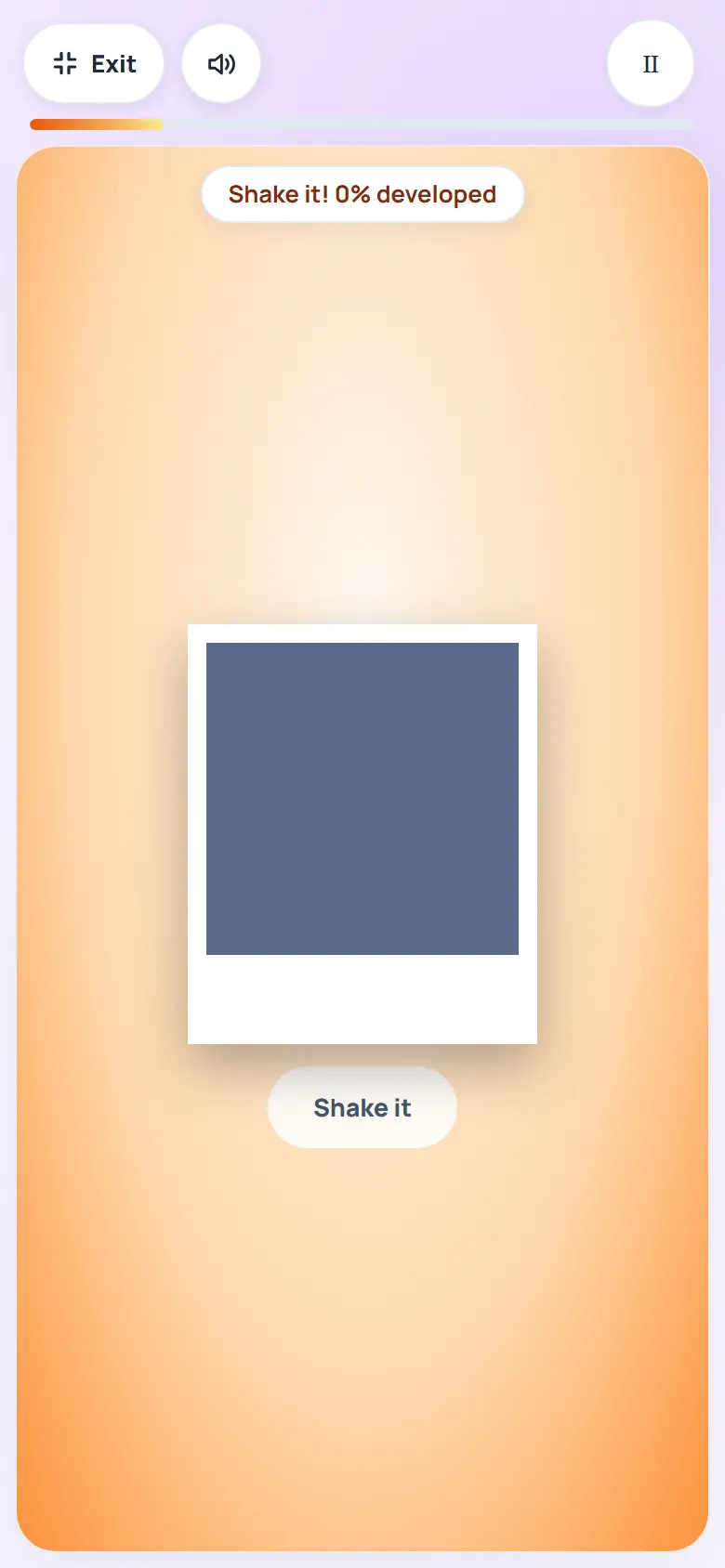
They shake the photo until it develops 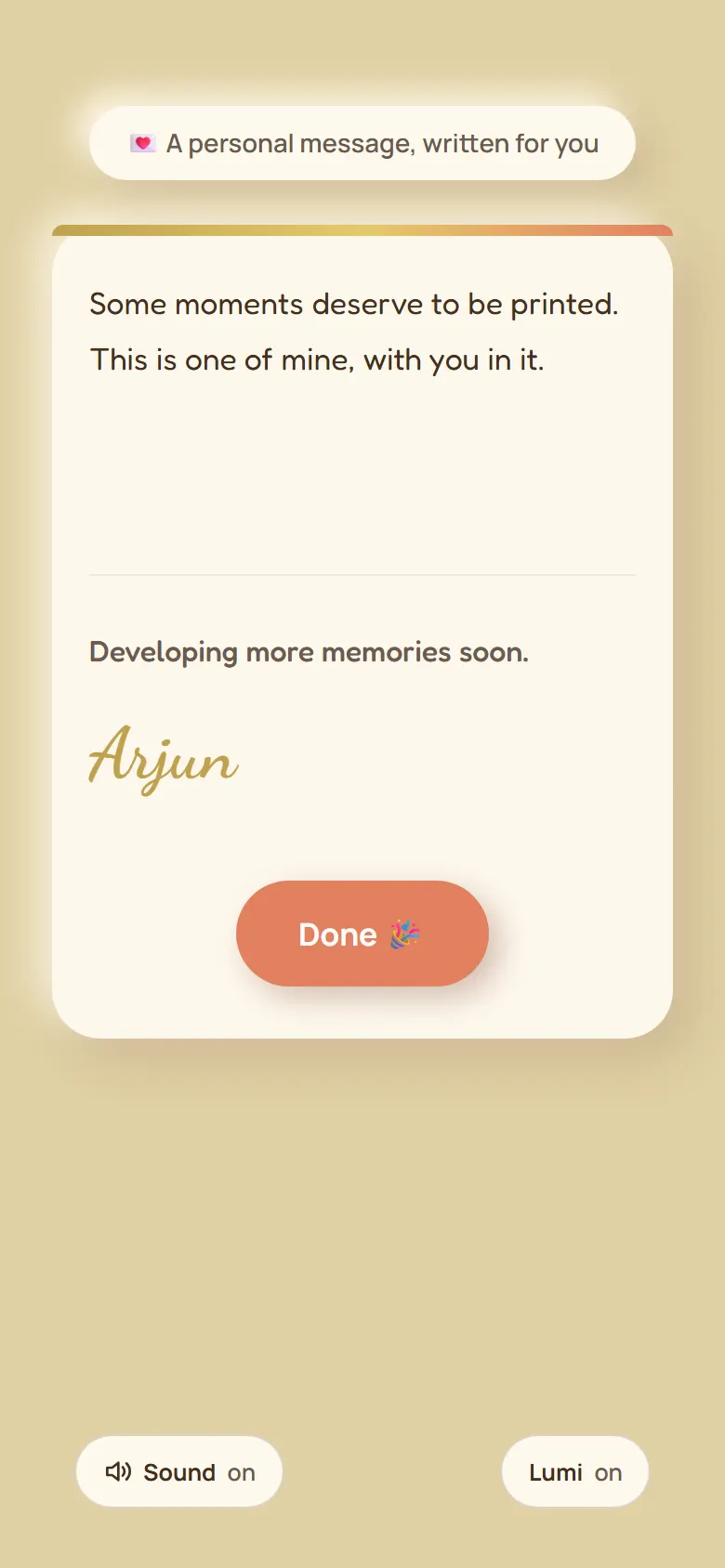
Your message opens
How to send an instant photo
- Pick the photo. The first photo you add is the one that develops. Add up to three for the letter.
- Write a caption. Up to 40 characters, like “Goa, 2023. Best trip ever.”, then your message.
- Send the link. They take the picture and shake it until it develops.
What they see when they open it
Every surprise link starts the same way: a wrapped gift with their name on the tag, which they press and hold to open. Inside is a rainbow-striped instant camera and a “Press the shutter” button.
They press it: a whirr, and a photo slides out of the camera, still a blank blue-grey. As they shake the phone, rub the photo with a finger, or tap “Shake it”, your picture fades in, sharpens and fills with colour. When it is fully developed, your caption appears underneath in handwriting, and “Read the note” opens your message.
Shaking on iPhone and Android
Shaking the phone works on most Android phones straight away. iPhones ask for permission to use motion when the shutter is pressed; if they say no, rubbing the photo or the Shake it button develops it just the same.
Good photos for it: the first picture of the two of you, an old family photo, a trip you keep talking about. A photo of a printed picture looks lovely as an instant print.
Questions about sending an instant photo
What if I don’t add a photo?
It develops into a sunset picture with your caption. It is much better with a photo of your own.
Is it really free?
Yes. Making and sending a surprise link is free, there are no ads, and you do not need an account.
Do they need to install an app?
No. The link opens in the browser on any phone or computer, straight from WhatsApp, Instagram, SMS or email.
How long does the link last?
A link without photos carries the whole surprise inside it, so it keeps working for as long as you keep it. A link with photos is too big for that, so it is a short link backed by an encrypted copy we cannot read, and that copy deletes itself after 10 days.
Where can I find a link I made?
Every link you make is listed under My gifts on the same phone, so you can copy it again. It is kept in your browser, not on our server, so clearing your browser clears the list.