Online treasure hunt maker: a trail through your memories
Send a treasure hunt through the story of you two. An old map shows a dotted trail; each tap draws it on to the next stop, and each stop is one of your memories. At the red X they dig three times, the chest opens with your photo, and then your message opens. Free, no app, no sign-up.
Make your treasure hunt map
They follow a trail of your memories across an old map to the X, dig, and the chest opens with your photo. Free, no sign-up, about 30 seconds.
What they see on their phone
Screenshots of a real treasure hunt map link, opened on a phone.
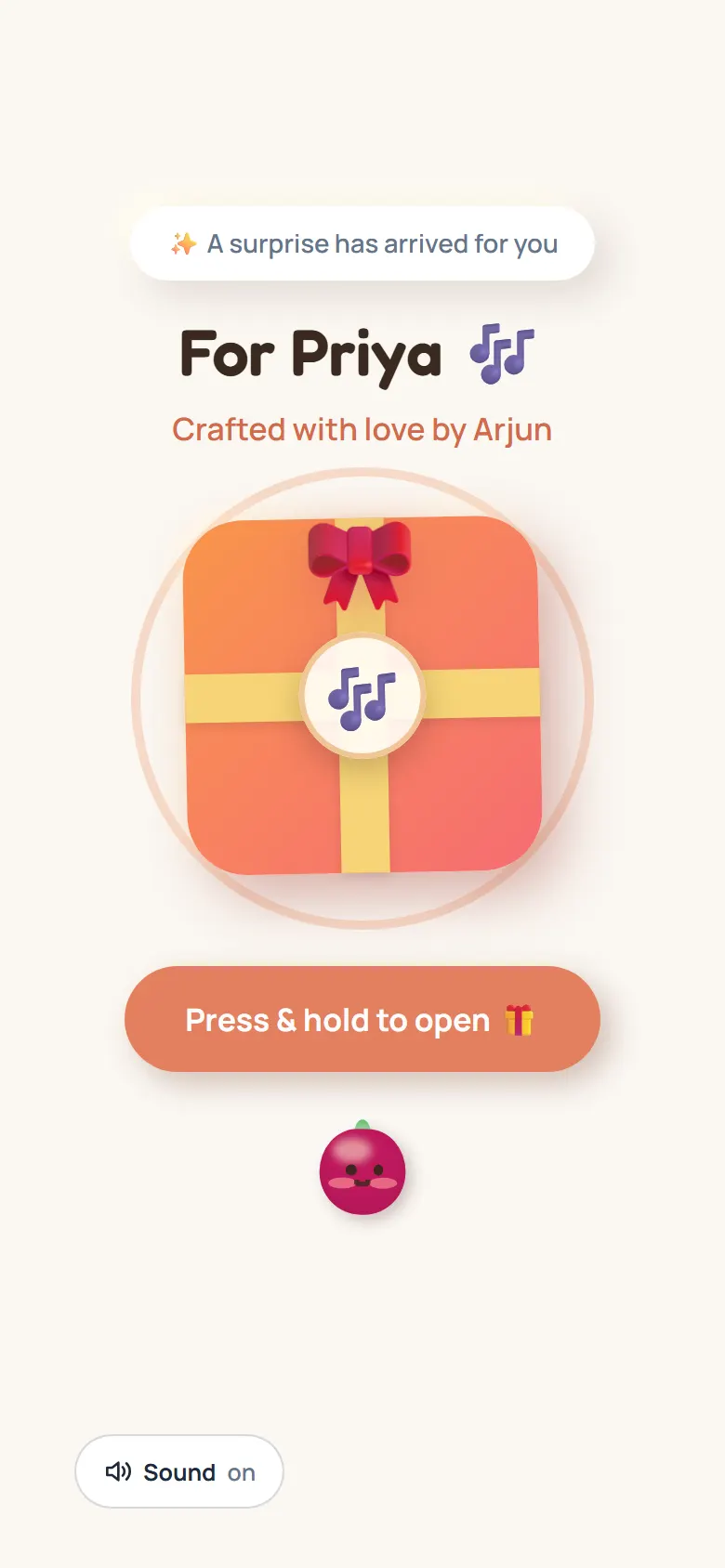
They press and hold the wrapped gift 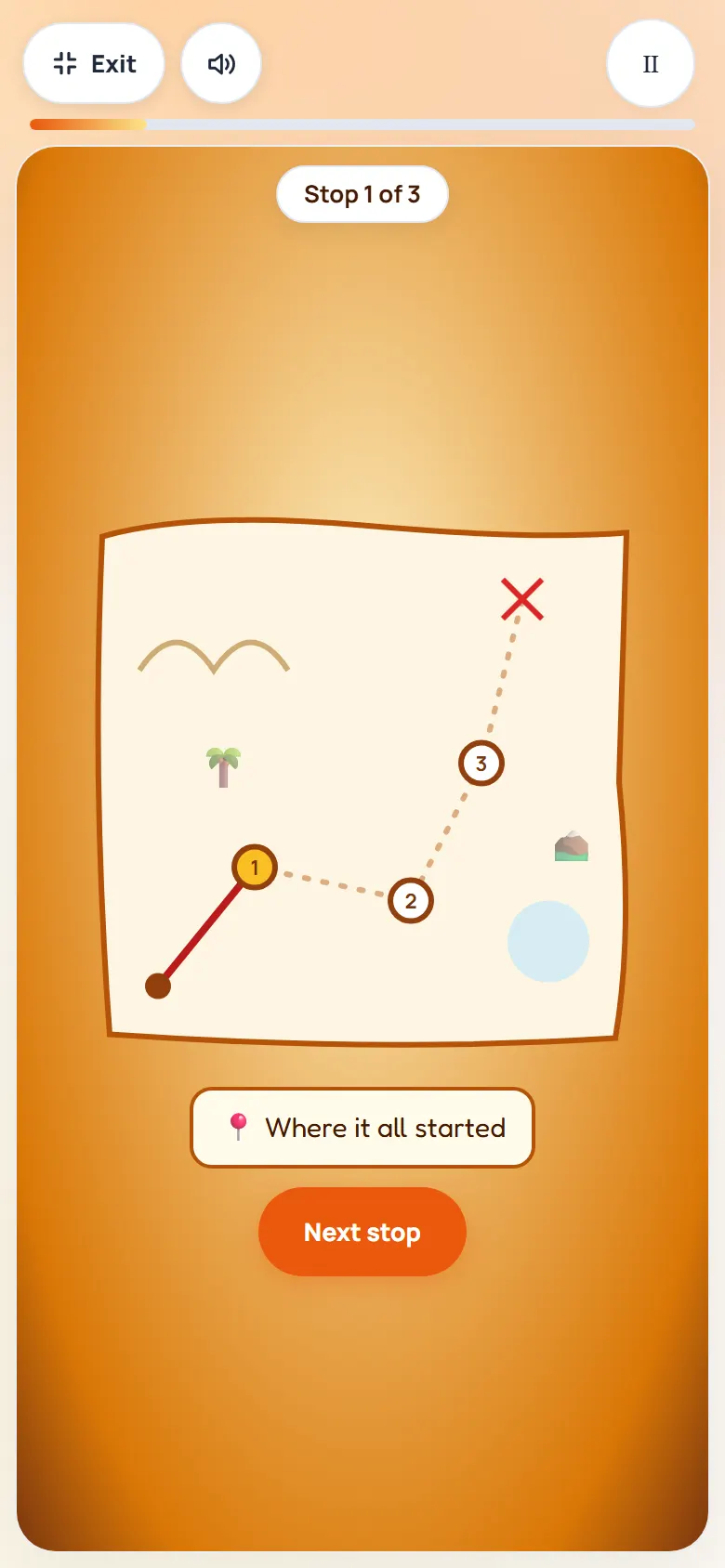
They follow the trail of memories 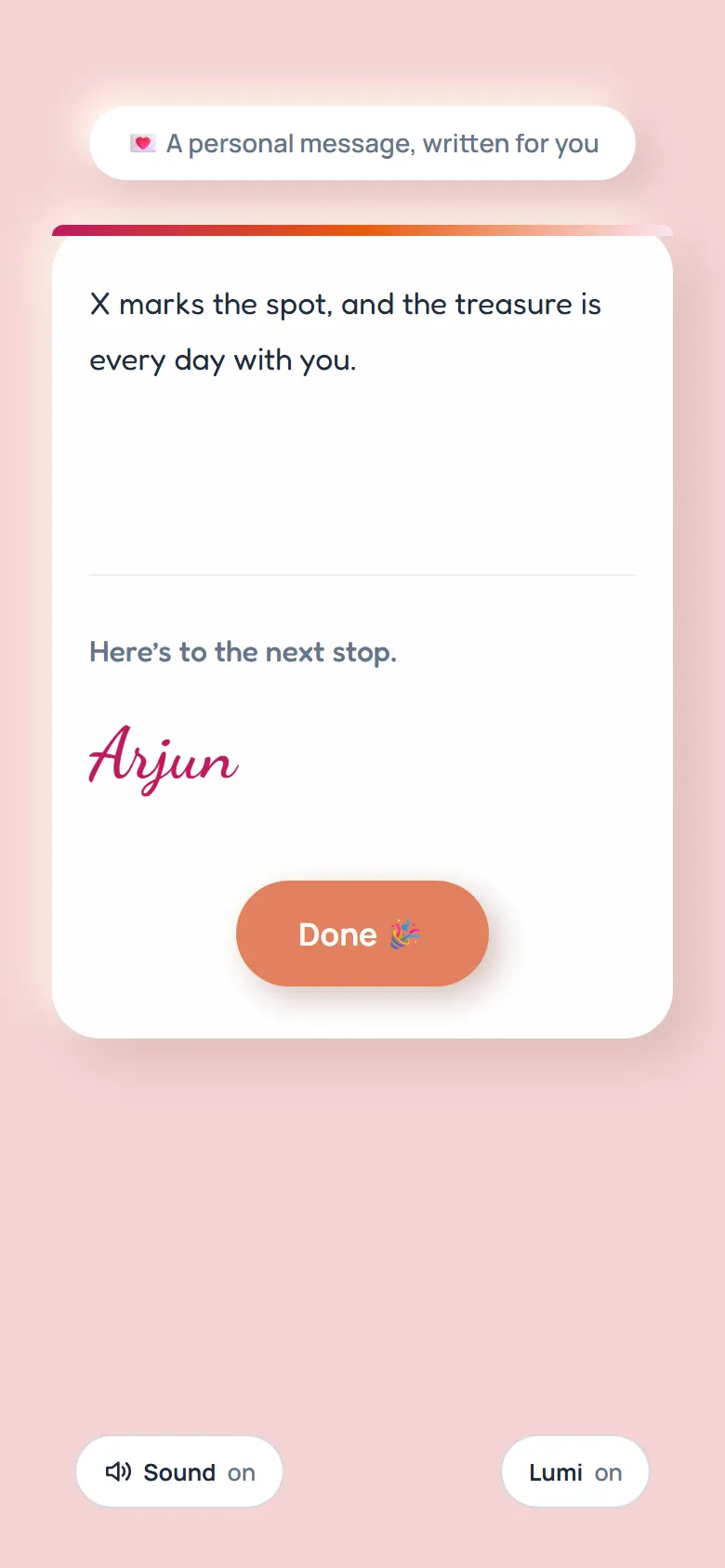
Your message opens
How to send a treasure hunt map
- Write the memories. Up to four, one per line, in order: where you met, a trip, a funny night.
- Add the treasure. The first photo you add is in the chest. Then their name, yours and your message.
- Send the link. They follow the trail and dig up the treasure.
What they see when they open it
Every surprise link starts the same way: a wrapped gift with their name on the tag, which they press and hold to open. Inside is a parchment map with palm trees, mountains, a faint dotted trail and a red X.
They tap “Start the trail”: a red line draws on to stop 1, which turns gold, and your first memory appears. “Next stop” walks on through each memory, then “On to the X”. At the X they tap “Dig here” three times, the chest glows open with your photo, and “Read the note” opens your message.
A love story in four stops
Put the memories in order and the map tells your story: the café where you met, your first trip, the night the power went out, the day you moved in. For a friend: school, college, the trip that went wrong, today.
It is lovely for anniversaries, a long-distance birthday, or a proposal plan where the treasure is the question.
Questions about sending a treasure hunt map
How many stops can the trail have?
One to four memories, up to 60 characters each. With none, it uses three ready ones.
Is it really free?
Yes. Making and sending a surprise link is free, there are no ads, and you do not need an account.
Do they need to install an app?
No. The link opens in the browser on any phone or computer, straight from WhatsApp, Instagram, SMS or email.
How long does the link last?
A link without photos carries the whole surprise inside it, so it keeps working for as long as you keep it. A link with photos is too big for that, so it is a short link backed by an encrypted copy we cannot read, and that copy deletes itself after 10 days.
Where can I find a link I made?
Every link you make is listed under My gifts on the same phone, so you can copy it again. It is kept in your browser, not on our server, so clearing your browser clears the list.