Dedicate a song: “our song” on a record
Dedicate your song the way it deserves. Your photo is on the record sleeve; they tap, the record slides out onto a turntable, the tonearm drops and it spins with your song’s name on the label. A button opens the song on YouTube, Spotify or wherever you found it, and your message tells them why it’s yours. Free, no app, no sign-up.
Make your our song on a record
A record slides out of a sleeve with your photo, onto a turntable, and your song’s name spins on the label. Free, no sign-up, about 30 seconds.
What they see on their phone
Screenshots of a real our song on a record link, opened on a phone.
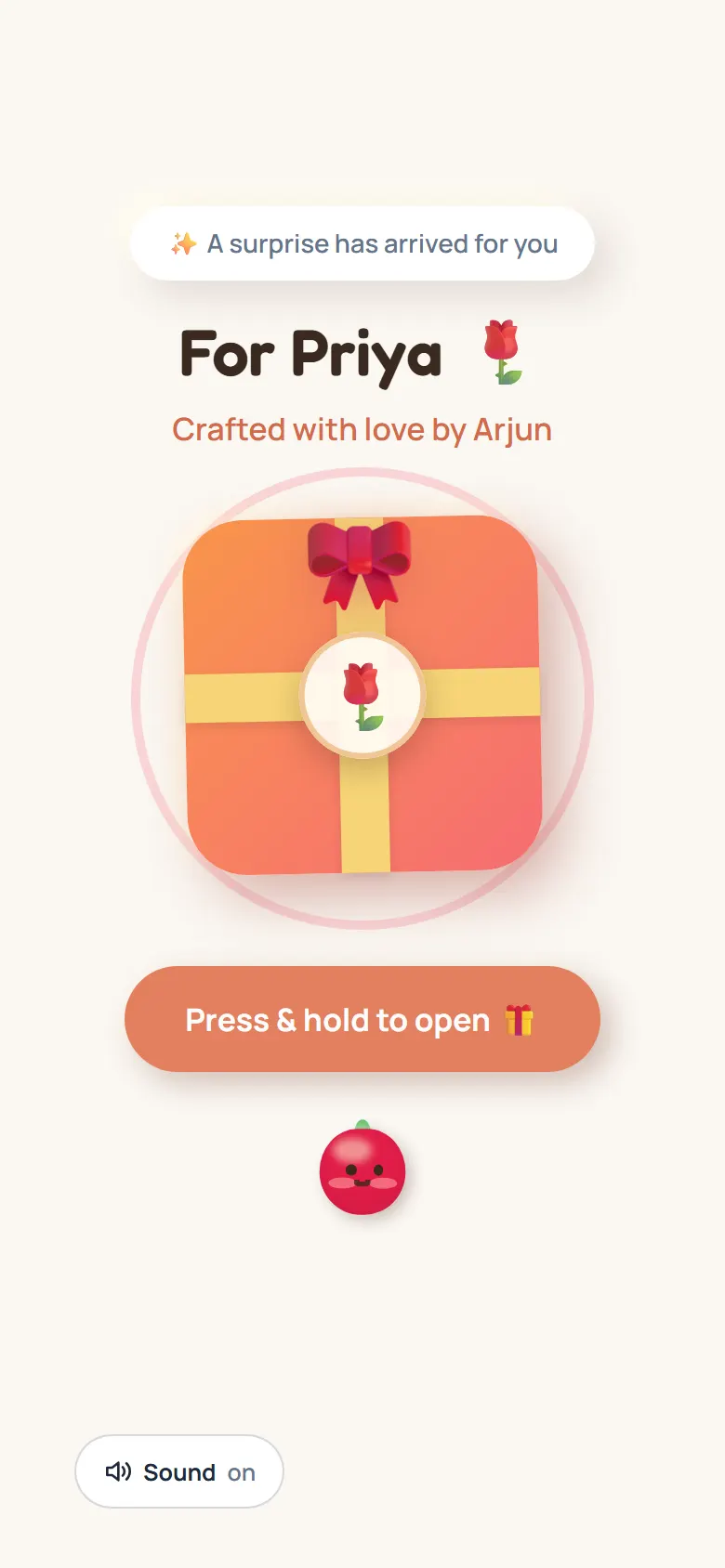
They press and hold the wrapped gift 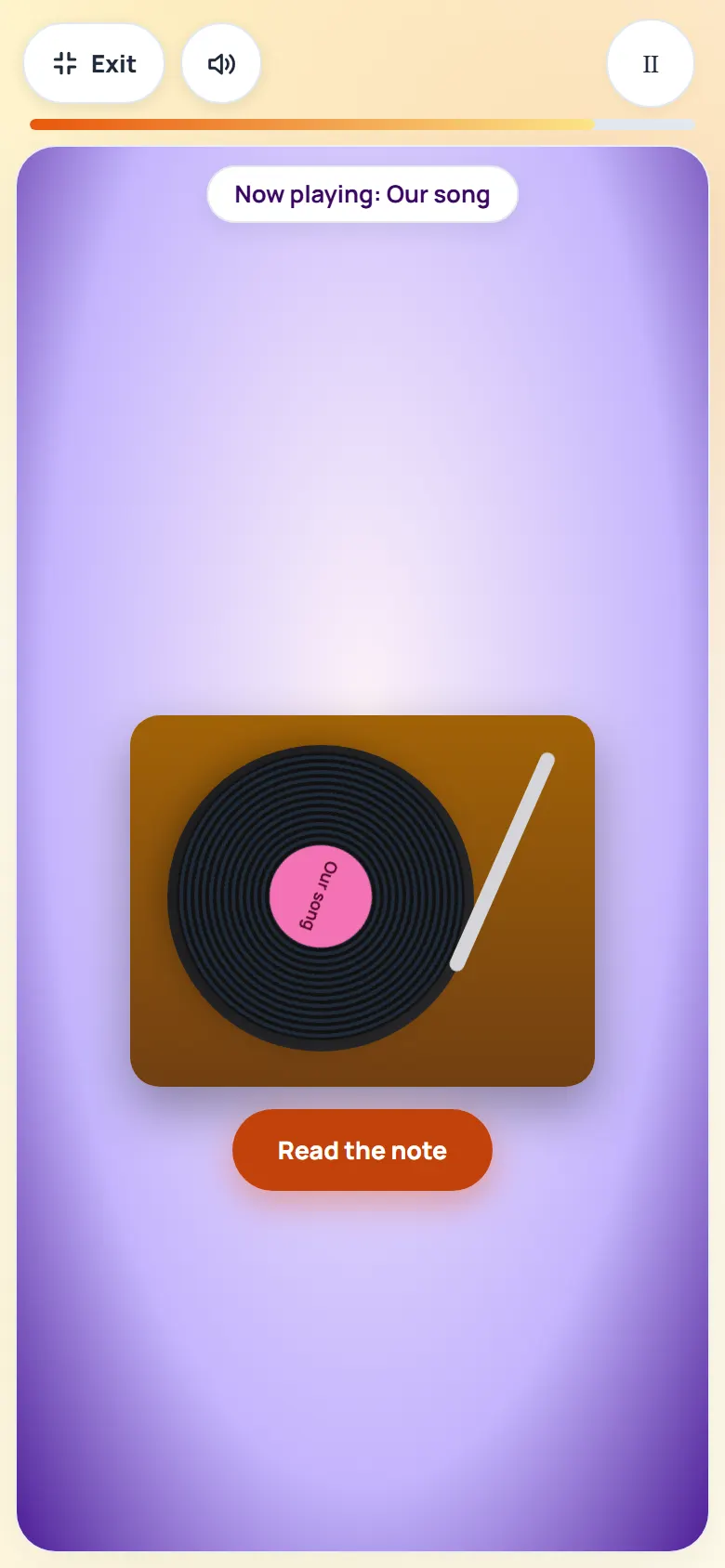
They put your record on 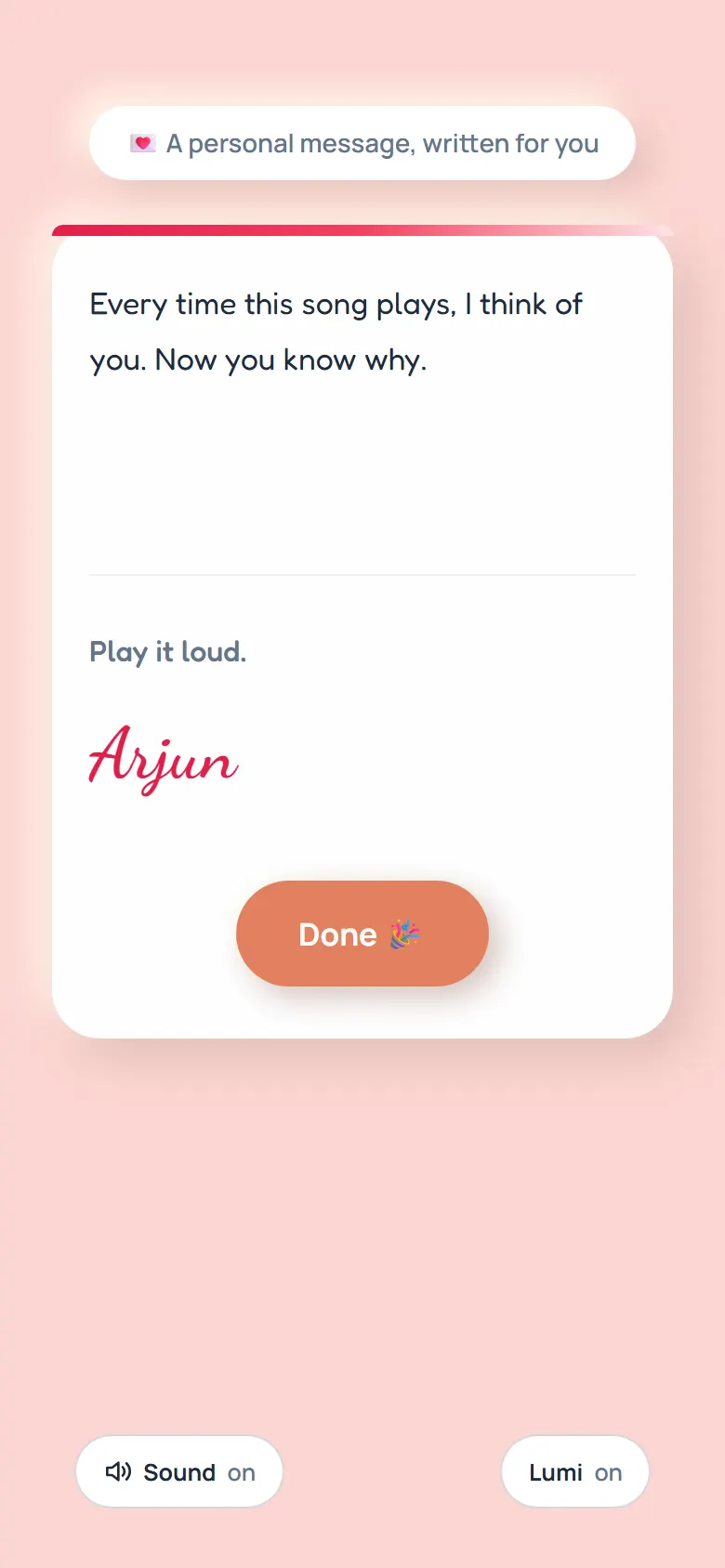
Your message opens
How to send an our song on a record
- Pick the song. Its name, and a link from YouTube, Spotify, Apple Music, JioSaavn, Gaana, Wynk or SoundCloud.
- Add a photo and your story. The first photo is the sleeve. Your message is the liner notes: why this song.
- Send the link. They put the record on and open the song when they are ready.
What they see when they open it
Every surprise link starts the same way: a wrapped gift with their name on the tag, which they press and hold to open. Inside is a wooden record player, with a record sleeve showing your photo.
They tap “Play the record”. The record slides out of the sleeve onto the turntable, the tonearm swings over and the record spins with your song’s name on the pink label. A “Listen on YouTube” (or Spotify…) button opens the song in a new tab, and “Read the note” opens your message.
Why nothing plays by itself
Surprise music in a quiet office or late at night is not a nice surprise, so the record never plays sound itself. They choose when to listen, on the app they already use.
Only links to known music sites are kept, over a secure connection; anything else is dropped from the gift, so the button can never lead somewhere unexpected. Without a link, the record still spins with the song’s name.
Questions about sending an our song on a record
Which song links work?
Links from YouTube, YouTube Music, Spotify, Apple Music, JioSaavn, Gaana, Wynk and SoundCloud. Copy the share link from the app and paste it in.
Is it really free?
Yes. Making and sending a surprise link is free, there are no ads, and you do not need an account.
Do they need to install an app?
No. The link opens in the browser on any phone or computer, straight from WhatsApp, Instagram, SMS or email.
How long does the link last?
A link without photos carries the whole surprise inside it, so it keeps working for as long as you keep it. A link with photos is too big for that, so it is a short link backed by an encrypted copy we cannot read, and that copy deletes itself after 10 days.
Where can I find a link I made?
Every link you make is listed under My gifts on the same phone, so you can copy it again. It is kept in your browser, not on our server, so clearing your browser clears the list.