Send a virtual rose that blooms, for Rose Day or any day
Send one rose, and let them make it bloom. A single bud waits on a dark, candlelit stage; they press and hold it, and the petals open ring by ring. When it is fully open, a few petals drift down and the meaning of its colour appears. Then your message opens. Perfect for Rose Day on 7 February, or any day. Free, no app, no sign-up.
Make your a rose that blooms
They press and hold a rose bud, it blooms ring by ring, and the meaning of its colour appears. Free, no sign-up, about 30 seconds.
What they see on their phone
Screenshots of a real a rose that blooms link, opened on a phone.
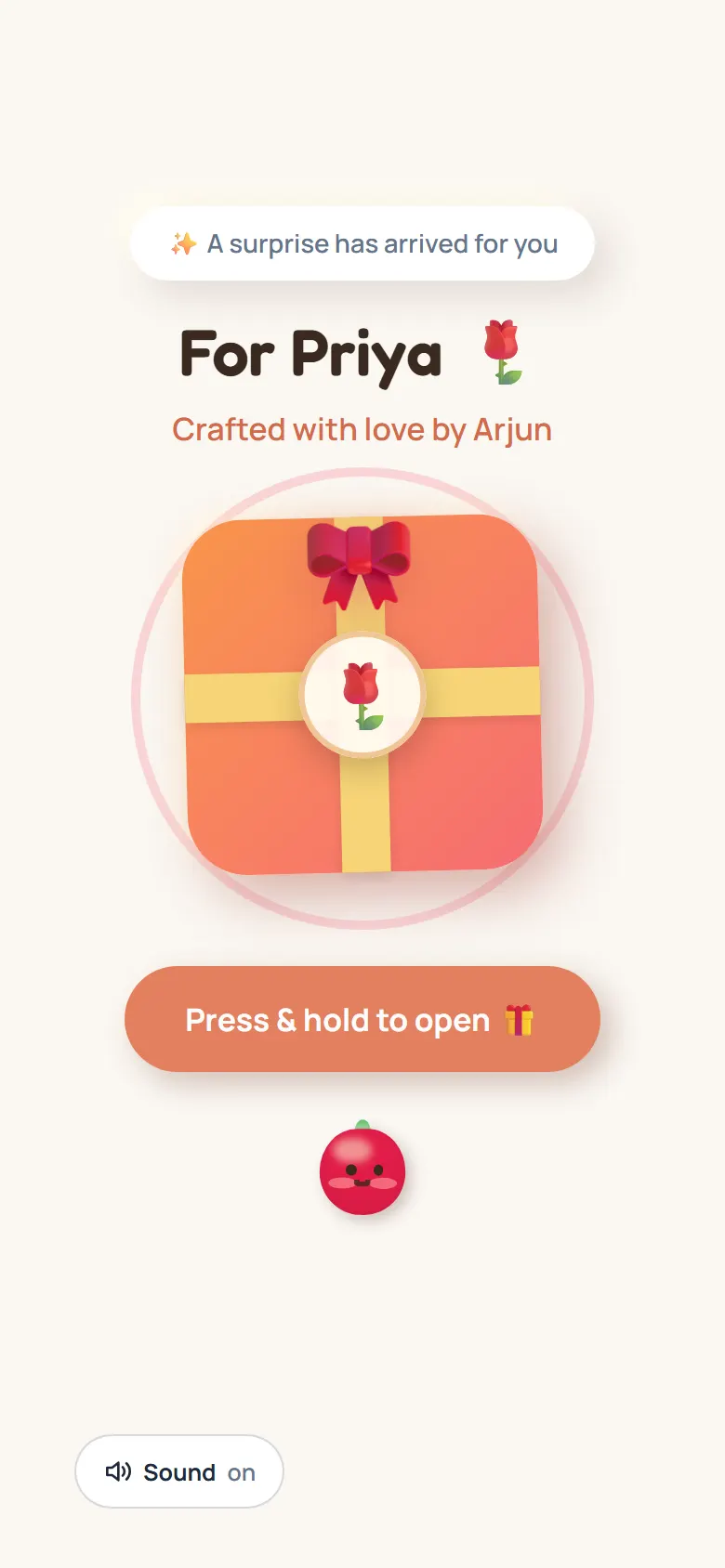
They press and hold the wrapped gift 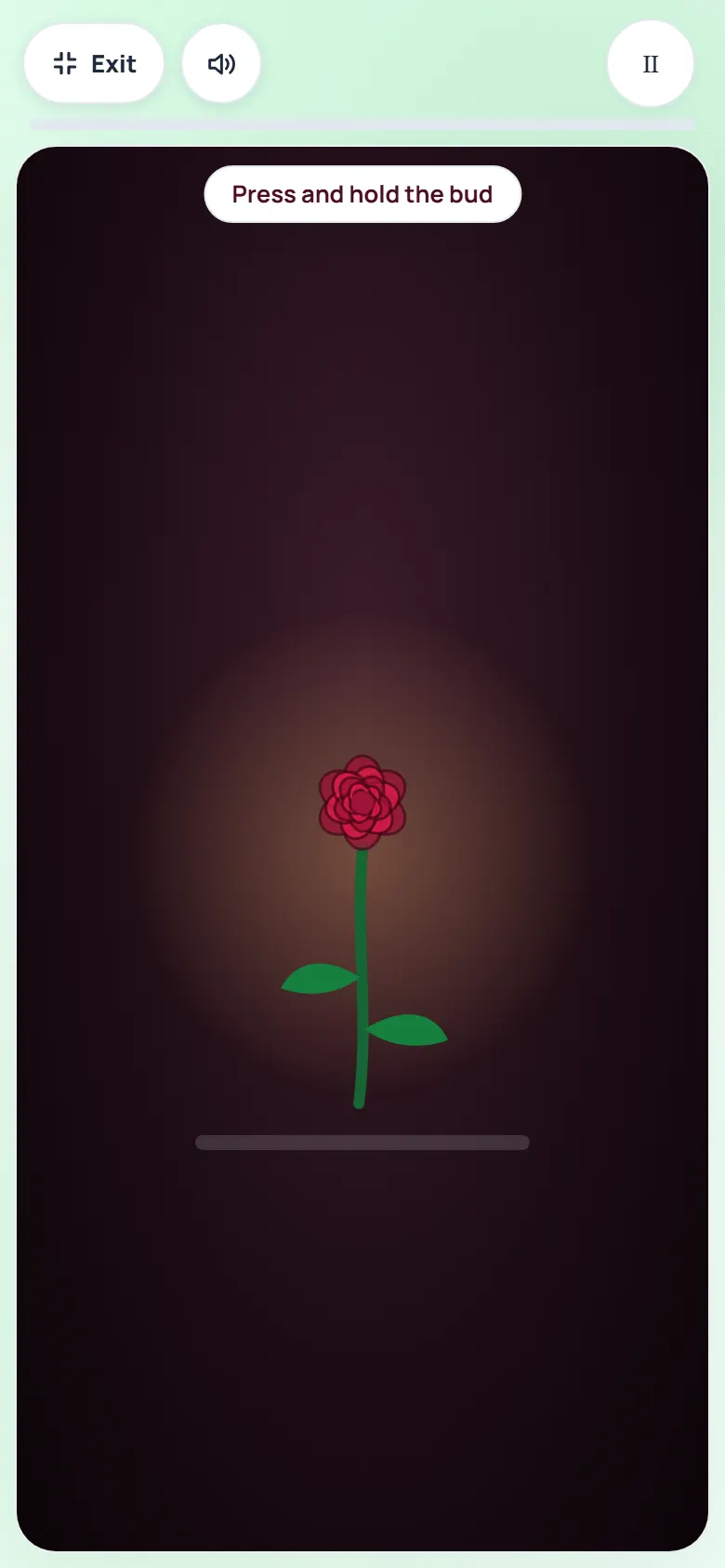
They press and hold the bud to make it bloom 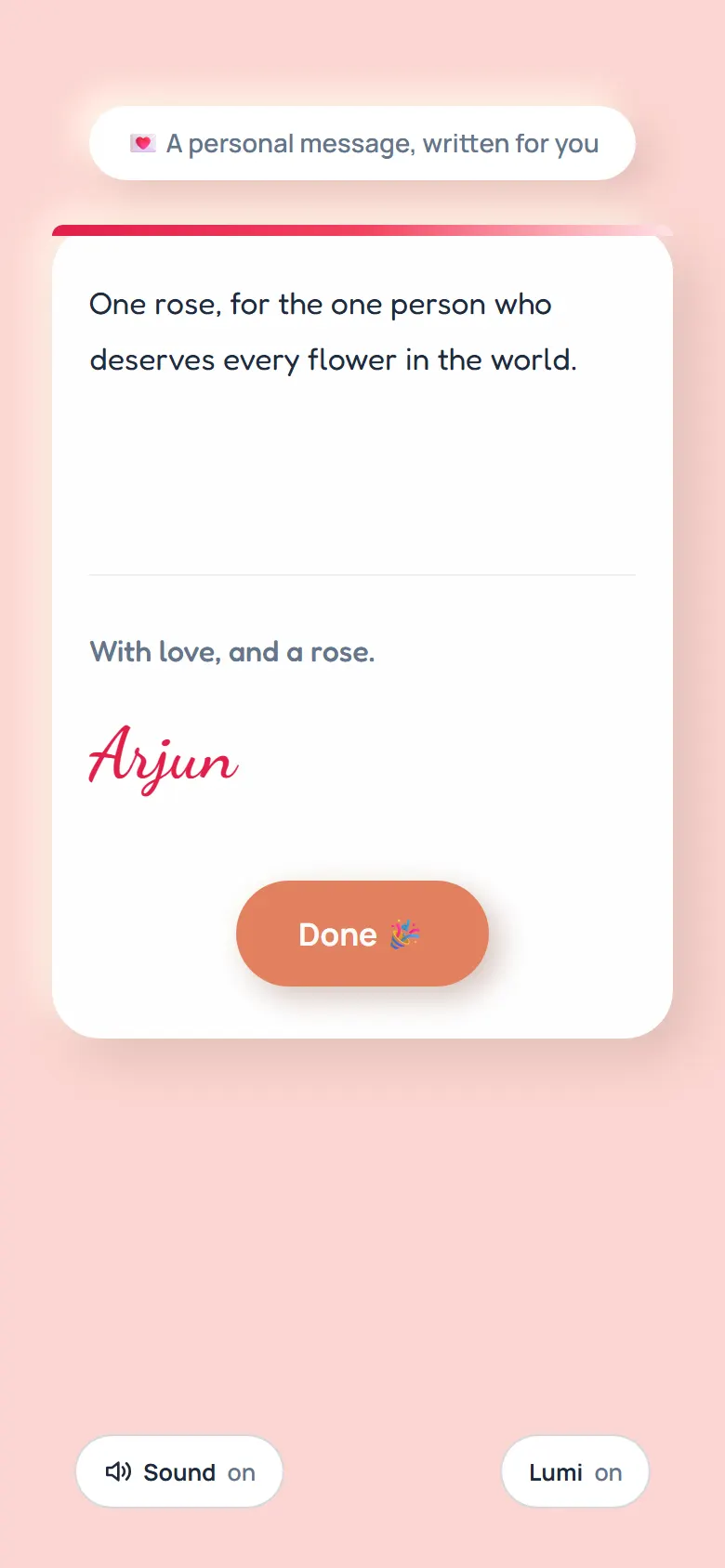
Your message opens
How to send an a rose that blooms
- Choose the colour. Red for love, pink for thanks, yellow for friendship, white, orange or lavender.
- Add the names and a message. Their name and yours, your message or a ready one, and up to three photos.
- Send the link. They press and hold until it blooms.
What they see when they open it
Every surprise link starts the same way: a wrapped gift with their name on the tag, which they press and hold to open. Inside, the screen goes dark except for a warm candle glow and a single closed rose bud on a long stem.
They press and hold the bud (or hold Space on a keyboard). While they hold, the outer petals spread, then the next ring, and the next, with a soft chime each time. Let go and it waits; hold again and it carries on. After about three seconds it is in full bloom, petals drift down, the meaning of the colour appears, and “Read the note” opens your message.
What each rose colour means
Red: I love you. Pink: thank you, and I admire you. Yellow: a friendship that makes life brighter. White: a new beginning, and a promise. Orange: I can’t stop thinking about you. Lavender: love at first sight.
Rose Day opens Valentine’s week on 7 February, and a rose is the classic first gift of the week. A yellow rose is a lovely Friendship Day or “just because” gift too.
Questions about sending an a rose that blooms
Which colours can I choose?
Red, pink, yellow, white, orange or lavender. Type the colour; anything else becomes red.
Is it really free?
Yes. Making and sending a surprise link is free, there are no ads, and you do not need an account.
Do they need to install an app?
No. The link opens in the browser on any phone or computer, straight from WhatsApp, Instagram, SMS or email.
How long does the link last?
A link without photos carries the whole surprise inside it, so it keeps working for as long as you keep it. A link with photos is too big for that, so it is a short link backed by an encrypted copy we cannot read, and that copy deletes itself after 10 days.
Where can I find a link I made?
Every link you make is listed under My gifts on the same phone, so you can copy it again. It is kept in your browser, not on our server, so clearing your browser clears the list.