Open when letters online, in one link
Write a bundle of “open when” letters and send them in one link: open when you miss me, when you can’t sleep, when you need a laugh. They pick the envelope for the moment, the letter opens, and the opened ones get a stamp so the rest can wait for the right day. Free, no app, no sign-up.
Make your open when letters
A bundle of sealed envelopes, each for a moment: open when you miss me, can’t sleep, need a laugh. Free, no sign-up, about 30 seconds.
What they see on their phone
Screenshots of a real open when letters link, opened on a phone.
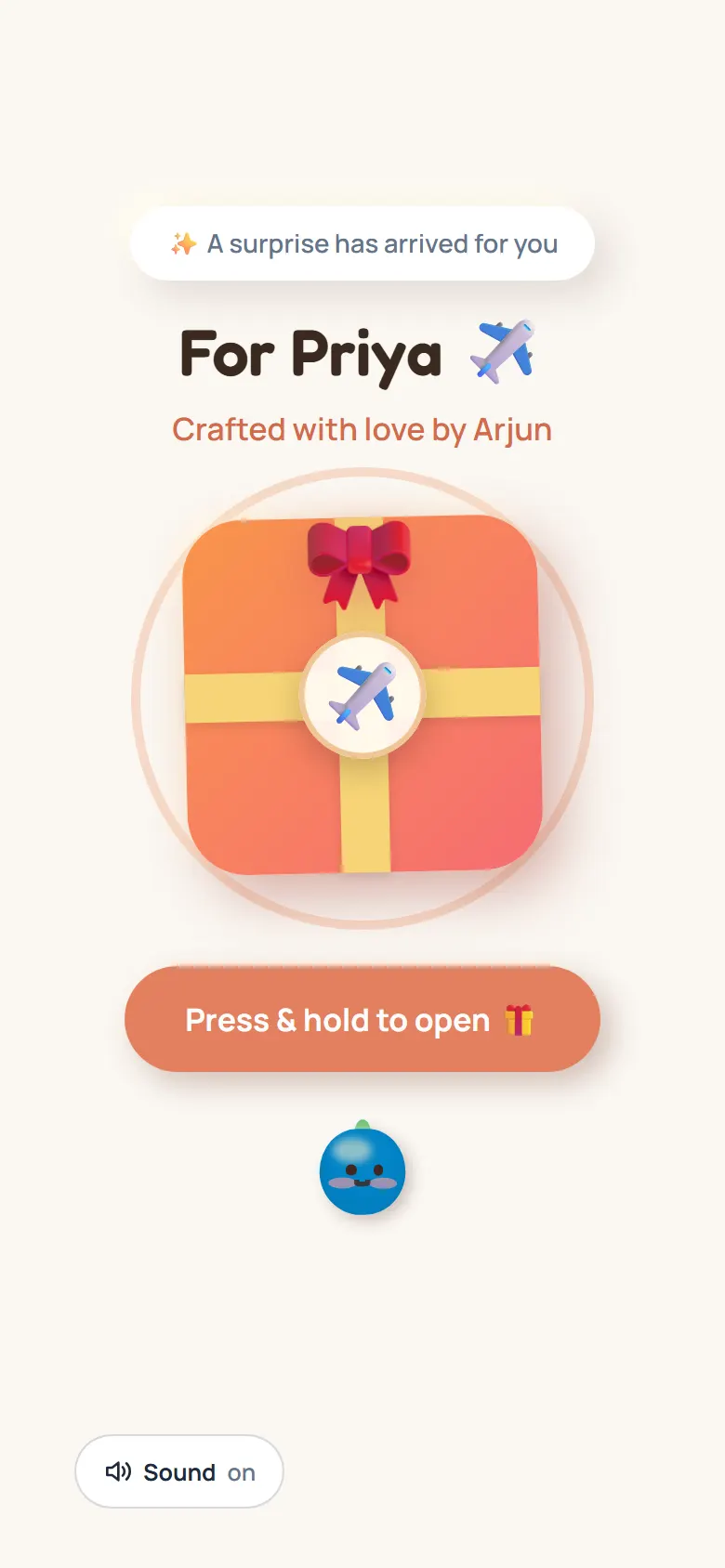
They press and hold the wrapped gift 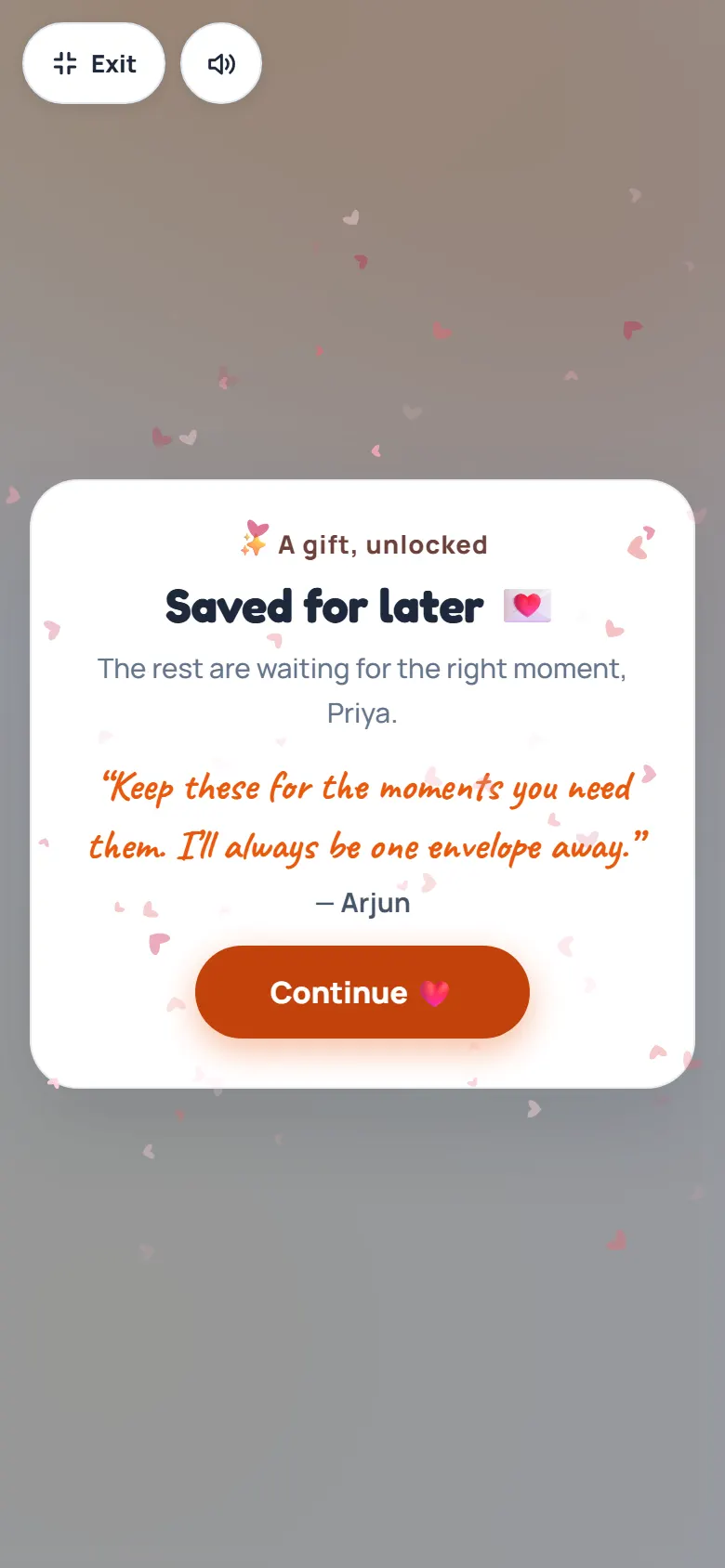
They open one letter and save the rest 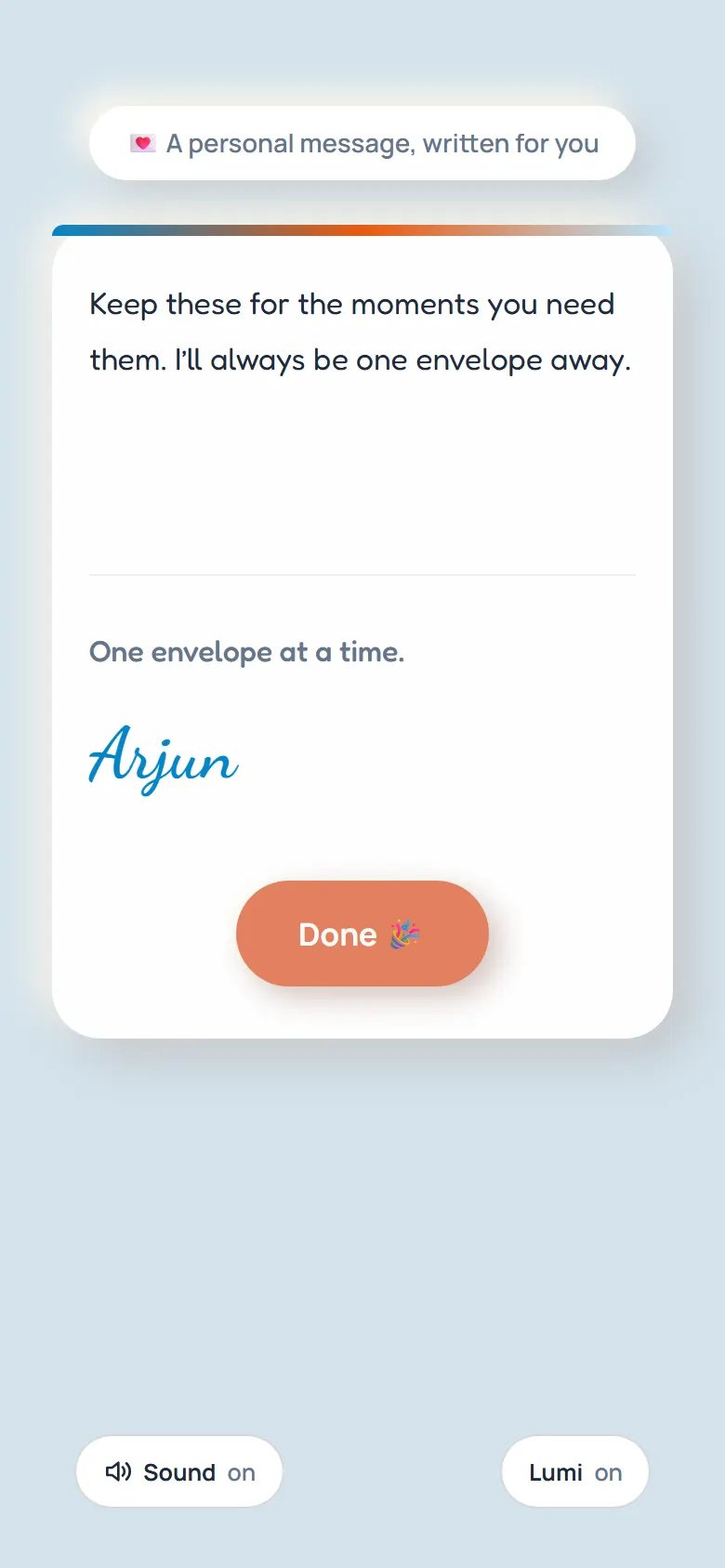
Your message opens
How to send an open when letters
- Write the letters. Up to eight, one per line: the moment, a colon, then the letter.
- Add the names and a message. Their name and yours, a covering message, and up to three photos.
- Send the link. Tell them to keep it. They can come back to it any time.
What they see when they open it
Every surprise link starts the same way: a wrapped gift with their name on the tag, which they press and hold to open. Inside are your envelopes in two columns, each in a different colour with a red wax seal and its moment written on the front.
They tap one and the letter opens in handwriting. “Back to the envelopes” returns to the bundle, where that one now has a grey seal and an OPENED stamp. “Save the rest for later” opens your covering message. Coming back to the same link on the same phone shows which ones they have already opened.
Moments to write for
Open when you miss me. When you can’t sleep. When you need a laugh. When you doubt yourself. When it’s your birthday. When we’ve had a fight. When you’ve had a great day. When you need a hug.
Write the line exactly like this: “you miss me: Close your eyes, I’m right there.” The words before the colon go on the envelope, after “Open when”.
Questions about sending an open when letters
Are the opened stamps saved?
Yes, on their phone only (in the browser), so the same link shows what they have opened. Nothing about it is sent to you or to us.
Is it really free?
Yes. Making and sending a surprise link is free, there are no ads, and you do not need an account.
Do they need to install an app?
No. The link opens in the browser on any phone or computer, straight from WhatsApp, Instagram, SMS or email.
How long does the link last?
A link without photos carries the whole surprise inside it, so it keeps working for as long as you keep it. A link with photos is too big for that, so it is a short link backed by an encrypted copy we cannot read, and that copy deletes itself after 10 days.
Where can I find a link I made?
Every link you make is listed under My gifts on the same phone, so you can copy it again. It is kept in your browser, not on our server, so clearing your browser clears the list.