Free Halloween ecard: a flashlight hunt they play
A free Halloween ecard they play in the dark: a haunted room with the lights off, and their finger is the torch. They shine it around to find what is hiding, your photos in old frames, a pumpkin, a ghost, a bat, and when the last one is found the lights flicker on and your message opens. Made in about 30 seconds and sent on WhatsApp. Free, no app, no sign-up.
Make your Halloween surprise
They shine a torch around a dark haunted room to find your photos, pumpkins and ghosts, then the lights flicker on. Free, no sign-up, about 30 seconds.
What they see on their phone
Screenshots of a real Halloween surprise link, opened on a phone.
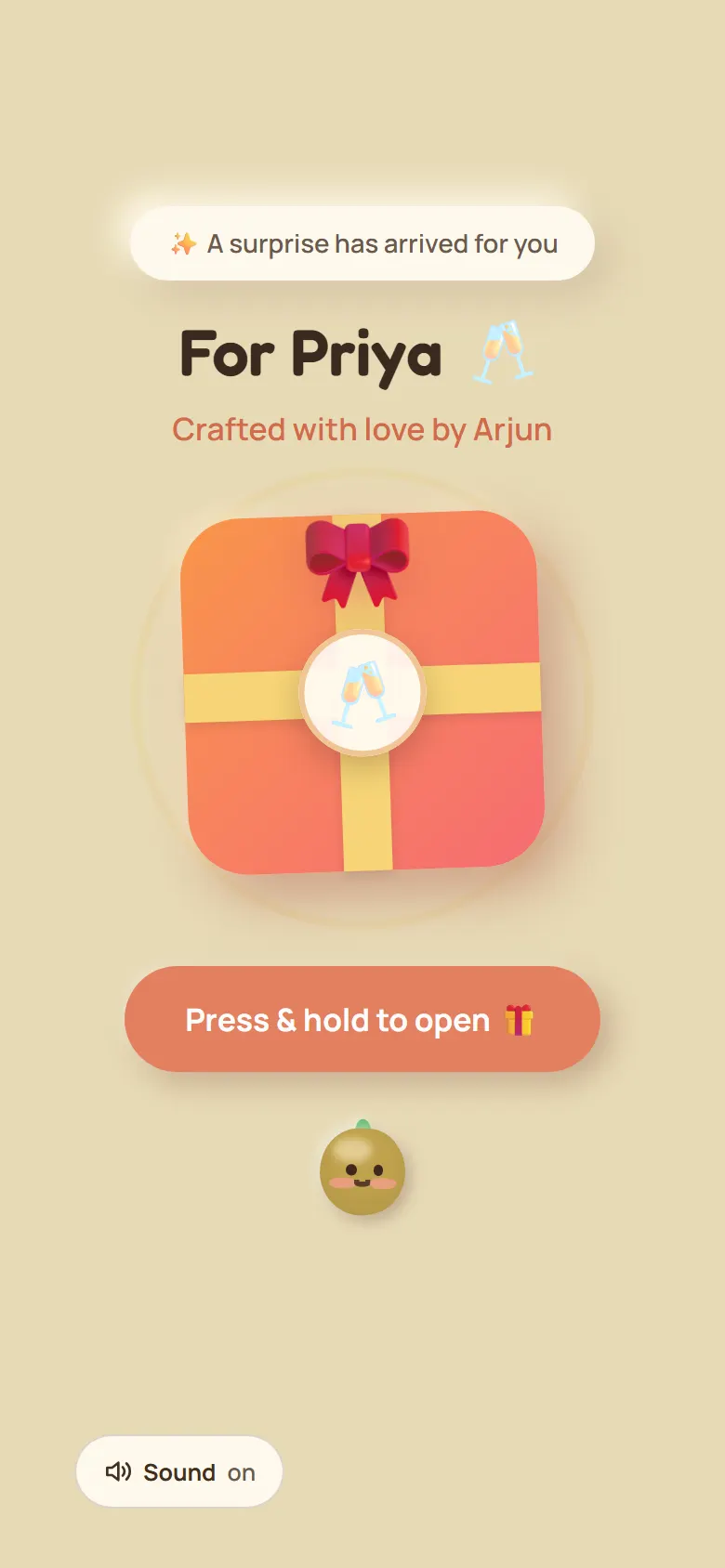
They press and hold the wrapped gift 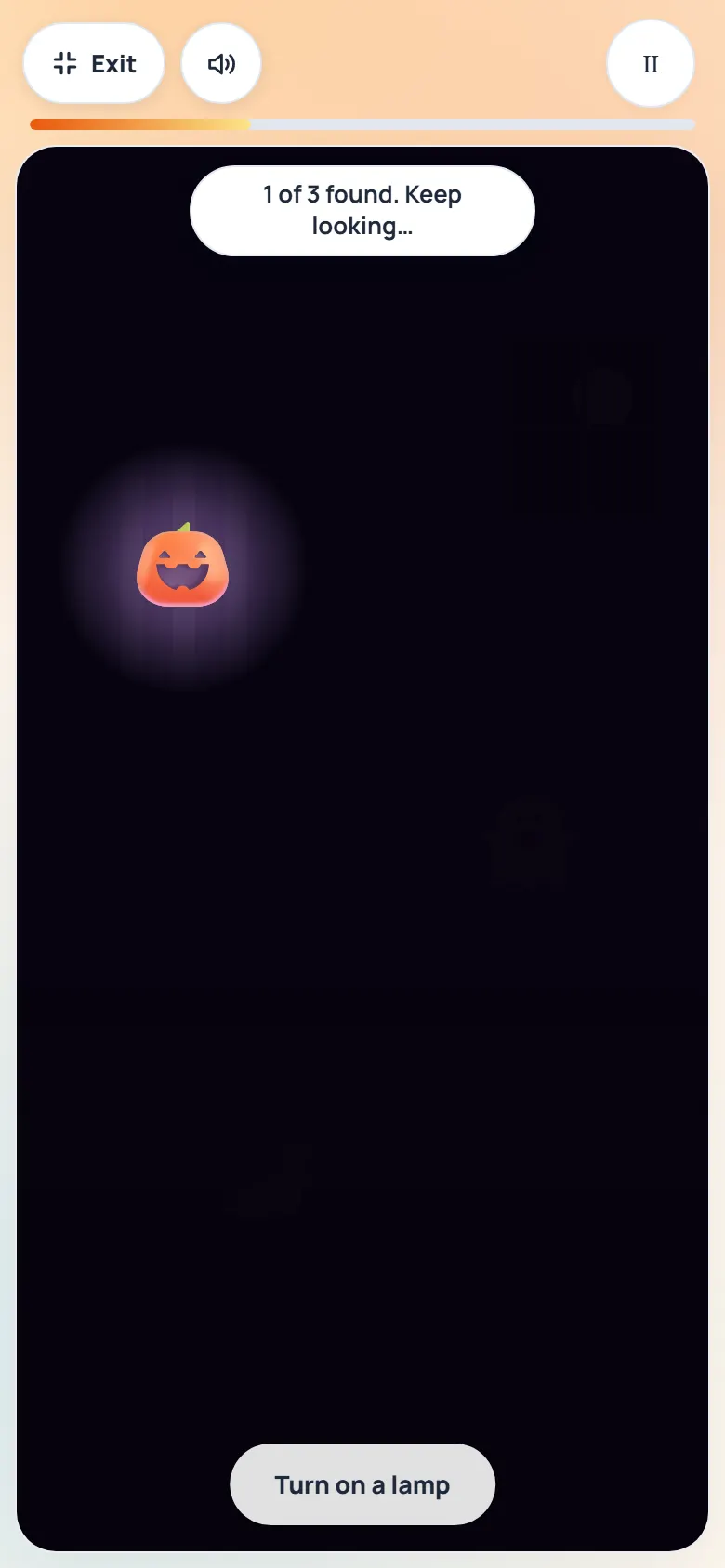
They shine the torch to find what’s hiding 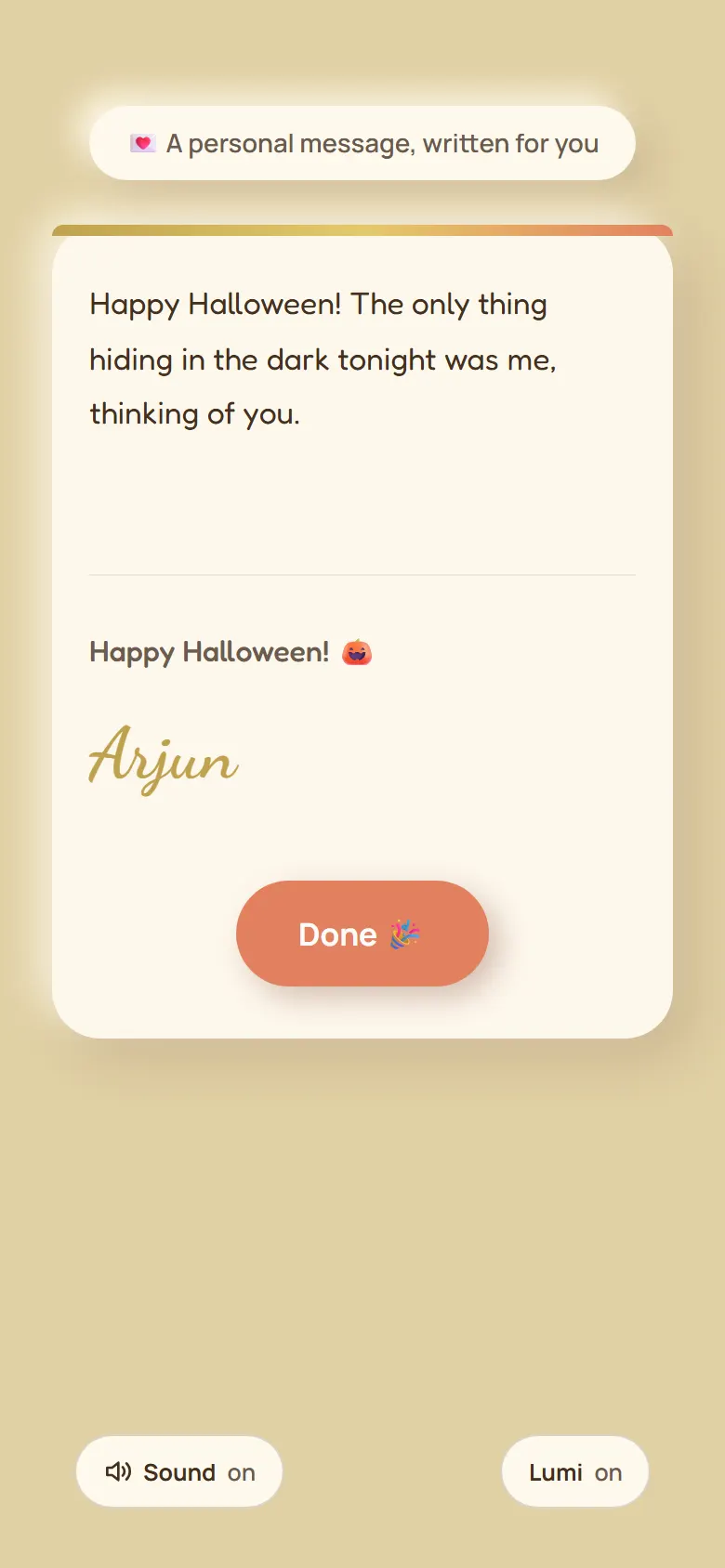
Your message opens
How to send a Halloween surprise
- Choose who it is for. A friend, your partner, a brother or a sister: anyone who likes a little scare.
- Add your photos and note. Their name and yours, up to three photos to hide in the frames, and your message or a ready one.
- Send the link. Send it on the evening of 31 October, ideally after dark.
What they see when they open it
First a wrapped gift arrives with their name on the tag, and they press and hold to open it. Inside, the screen goes dark. It is a haunted room at night, with a full moon in the window, a cobweb in the corner and a creaky wooden floor, and all they can see is the circle of their torch.
They move a finger around the screen (or the mouse, on a computer) and the beam follows. When it lands on something hidden and stays there for a moment, it lights up with a little burst of sparks and stays lit. Your photos hang on the wall in gold frames; the other hiding spots hold a pumpkin, a ghost and a bat.
When the last thing is found, the lights flicker and come on, “Happy Halloween!” appears with their name, and your message opens with your photos and your name at the end.
Spooky, never scary
There are no jump scares, no screams and nothing that pops out at them. The fun is the searching: a dark room, a small light, and every find is something friendly. That makes it fine to send to younger cousins and to the friend who hates horror films.
Nobody gets stuck either. If nothing has been found for a while, a faint glint shows where to look, and a “Turn on a lamp” button finds the next thing for anyone who would rather tap than search. With reduced motion turned on in their phone settings, the torch stays steady and the lights come on without flickering.
Ideas for the photos
Old Halloween costumes are perfect: the year you both went as ghosts, the terrible homemade vampire. So are photos of the two of you, a childhood picture of a sibling, or a pet in a pumpkin hat. With no photos, all the hiding spots hold pumpkins, ghosts and bats, and it still works.
Want them to do more than one hunt? A full gift journey adds more games, a photo puzzle and questions only they could answer, and still ends with your letter.
Halloween messages to copy
Happy Halloween! The only thing hiding in the dark tonight was me, thinking of you.
Boo! Did I scare you? Happy Halloween to my favourite person to hide from.
No tricks, just a treat: you. Have a spooky, sweet Halloween.
Happy Halloween! May your night be full of sweets and none of the scary bits.
To my partner in crime and in costume: happy Halloween.
Copy one into the message box at the top of the page, or paste it straight into a chat.
Questions about sending a Halloween surprise
Is it scary?
Only a little, in the fun way. It is a dark room and a torch, with no sudden noises or jump scares, and everything they find is friendly.
Does it work on a computer?
Yes. On a phone the torch follows their finger; on a computer it follows the mouse. The Turn on a lamp button works with a keyboard too.
Is it really free?
Yes. Making and sending a surprise link is free, there are no ads, and you do not need an account.
Do they need to install an app?
No. The link opens in the browser on any phone or computer, straight from WhatsApp, Instagram, SMS or email.
How long does the link last?
A link without photos carries the whole surprise inside it, so it keeps working for as long as you keep it. A link with photos is too big for that, so it is a short link backed by an encrypted copy we cannot read, and that copy deletes itself after 10 days.
Where can I find a link I made?
Every link you make is listed under My gifts on the same phone, so you can copy it again. It is kept in your browser, not on our server, so clearing your browser clears the list.