Marriage bio-data maker, with raasi and navamsa charts
Fill in what you want to show, choose one of 12 looks, and the card studio sets it out as an A4 page: personal and family details, contact, a photo, and the raasi and navamsa charts drawn in the south or north Indian style. Save a PDF to print or a picture for WhatsApp. Free, and every detail stays on your phone.
Updated
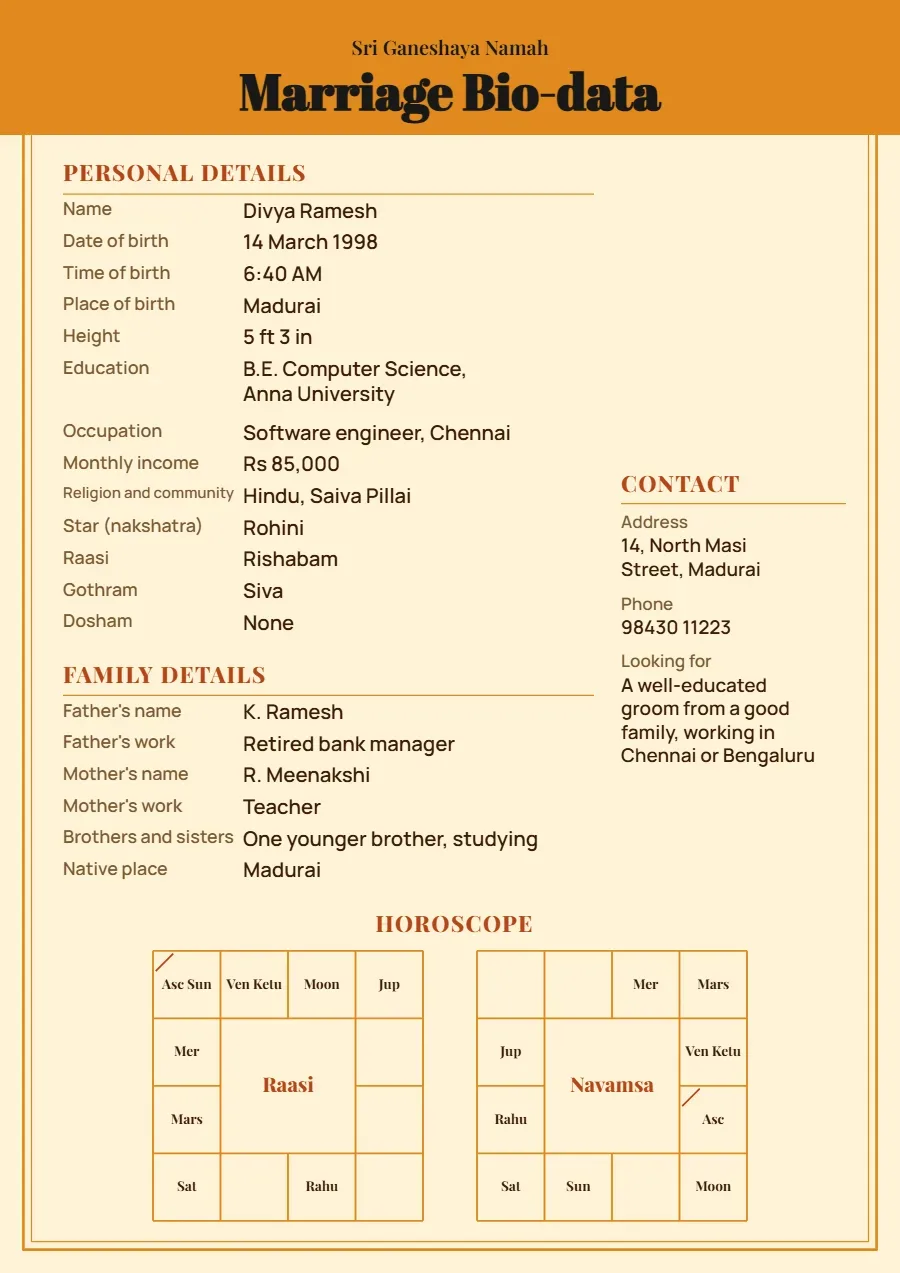
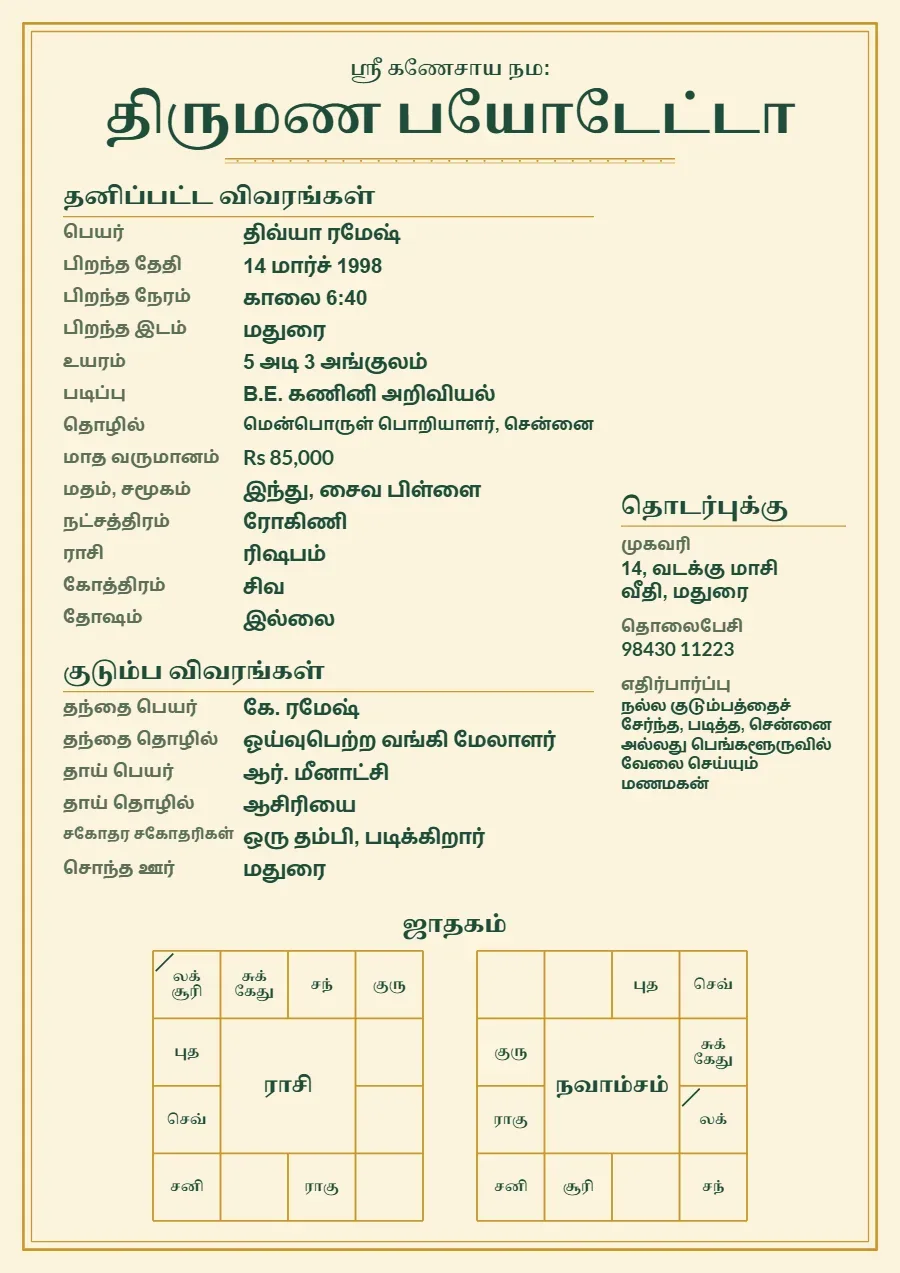
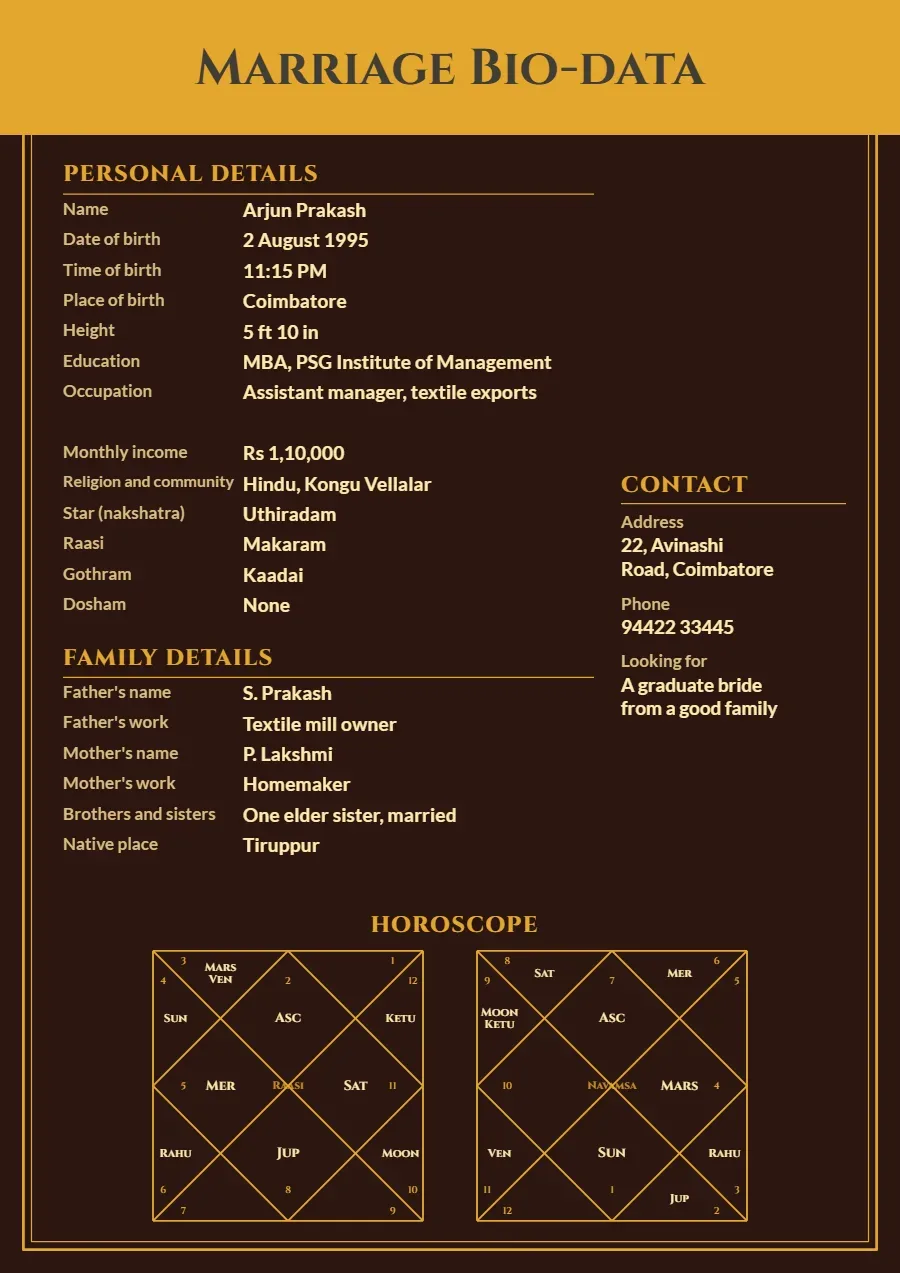
The sample family above is invented. Your own details never leave your phone: the page is built in the browser and saved straight to it.
How it works
- Open the maker. Open the bio-data maker in English, Tamil, Hindi or Telugu.
- Fill the details. Type the details you want to show; rows left empty are not printed.
- Add the charts. Tick “Add the raasi and navamsa charts”, choose south or north style, and pick the sign of the lagna and each planet from the jathagam.
- Add the photo and save. Make the bio-data, add the photo, choose a look, and save the A4 PDF or a picture.
What the page carries
- Personal: name, date, time and place of birth, height, complexion, education, occupation, monthly income, religion and community.
- Horoscope details: star (nakshatra), raasi, gothram and dosham, written out, plus the charts if you add them.
- Family: father’s and mother’s names and work, brothers and sisters, native place.
- Contact: address, phone, and a “Looking for” line for what the family hopes for.
- A blessing line at the top if you want one, such as Sri Ganeshaya Namah, and a photo in an arched frame.
Only the rows you fill
Leave a row empty and it is not printed, so a family that does not share income or complexion gets a clean page, not a form with blanks. The page rebuilds as you type, and you can still move or restyle anything on it by hand afterwards.
The raasi and navamsa charts
Pick the rising sign (lagna) and the sign each of the nine planets is in, Sun to Ketu, and both charts are drawn on the page: the square south Indian chart used in Tamil Nadu, Kerala, Karnataka and Andhra, or the diamond north Indian chart. The maker draws the chart you copy from your jathagam; it does not work one out from the birth time, so the page shows exactly what your astrologer wrote.
Printing and sending
Save the A4 PDF at 300 dpi to print at any shop, or a picture to send on WhatsApp to the families and the broker. Twelve looks change the paper, ink, type and frame, from Kasavu ivory to Royal maroon; the details stay as typed when you switch.
Questions about the bio-data maker
Does it calculate the horoscope from the birth time?
No. It draws the raasi and navamsa charts you copy from your jathagam, sign by sign. That keeps the page true to what your family astrologer wrote.
Can I make the bio-data in Tamil?
Yes. Choose Tamil and every heading and label is in Tamil, திருமண பயோடேட்டா at the top, with the charts labelled in Tamil too. Hindi and Telugu work the same way.
Are my details uploaded anywhere?
No. The bio-data is built in your browser and saved to your phone or computer. Nothing you type, and not the photo, is sent to a server.
Is there a Word file?
No. You change the bio-data in the studio and save a PDF or a picture; the PDF prints sharp on A4.
Is it free?
Yes, with no account. The saved page carries a small giftyathra.com line in a corner, and one switch in the studio takes it off.