How to send a surprise link on WhatsApp or Instagram
How do I send a surprise link on WhatsApp or Instagram?
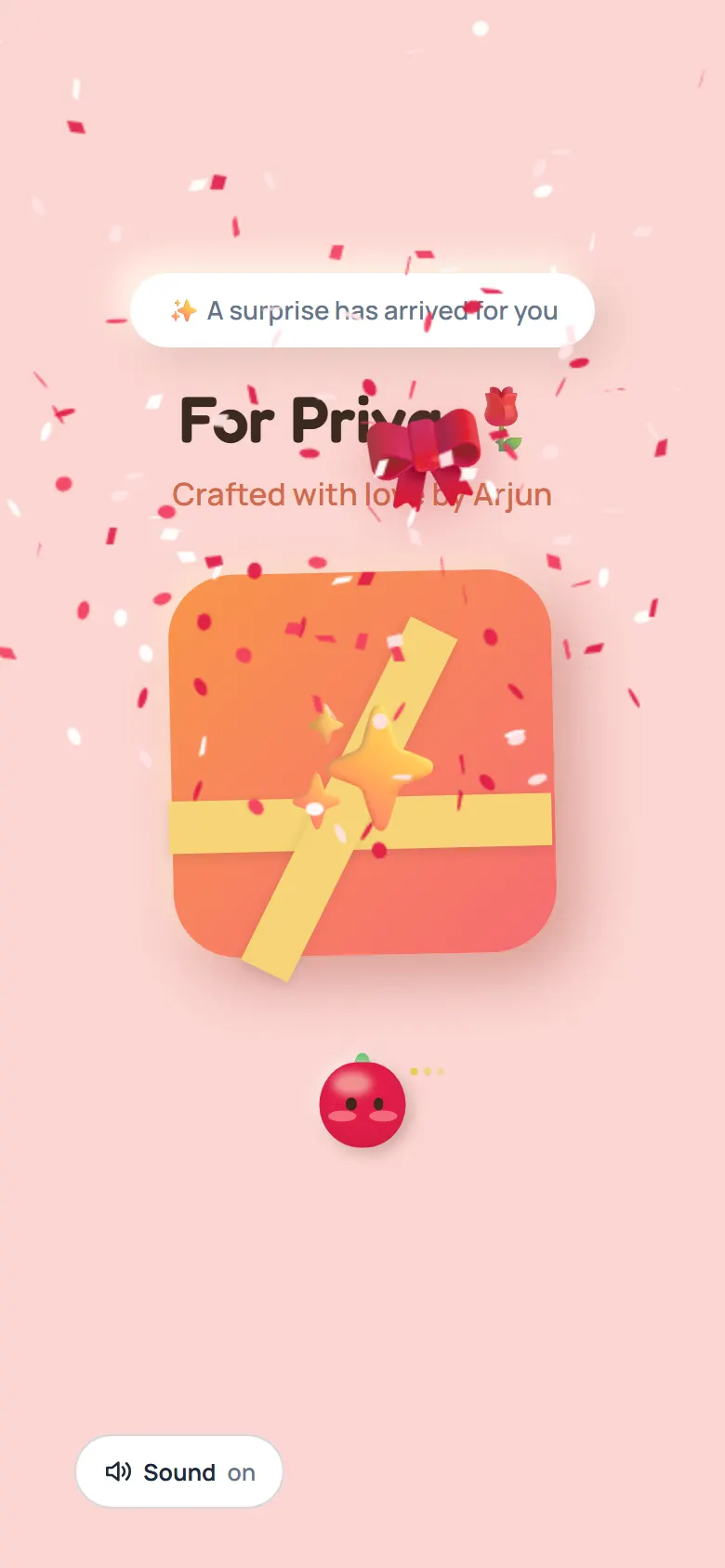
To send a surprise link, make it, copy the link, and paste it into a WhatsApp chat, an Instagram DM or a text message like any other link. On GiftYathra the maker also has a Send on WhatsApp button that opens WhatsApp with the link and a short note already typed. The person taps the link, it opens in their phone's browser, and the surprise plays. They don't need an app or an account.
On WhatsApp
- Make your surprise on the surprise link maker and press create.
- Tap Send on WhatsApp, pick the chat, and send. Or tap Copy and paste the link into any chat yourself.
- WhatsApp shows a preview card under the link. The preview never shows your message or photos, only the kind of surprise, so it doesn't spoil anything.
- When they tap it, it opens in WhatsApp's browser or their default browser. Both work.
Tip: add a line before the link so it doesn't look like spam: "Made you something. Open it when you have a minute 🎁".
On Instagram
- Copy the link from the maker.
- Open the person's DM and paste it. Links in Instagram DMs are tappable.
- Don't put a private surprise in your bio or a public story: anyone who taps it can open it. If you do want to share in a story, use the link sticker and keep the message general.
By SMS, email or Telegram
Paste the link the same way. Long links are fine; SMS apps shorten the display but keep the whole link.
Sending it at midnight
There's no scheduler, so the simplest way to land at midnight is to make the surprise earlier in the evening and keep the link ready. Every link you make is kept under My gifts on the same phone, so you can find it again and copy it at 11:59. If they're in another time zone, work out their midnight first.
Test it before you send
Open the link on your own phone once. The maker has a test link for this. You'll see exactly what they'll see, including the "Are you ready?" screen before the reveal. If something looks wrong, make a new one: it takes 30 seconds.
If it doesn't open
- The link was cut off. Some apps break very long links across two messages. Use the Copy button and paste it as one message, or add a photo, which makes the maker give you a short link.
- The link has expired. Links with photos are kept for 10 days. Links without photos keep working because everything is inside the link itself.
- An old browser. Ask them to open it in Chrome or Safari.
Make one now
The surprise link maker has more than 25 to choose from: a gift box, a birthday cake, a love letter and more. For a partner, there are dedicated pages for a girlfriend and a boyfriend.